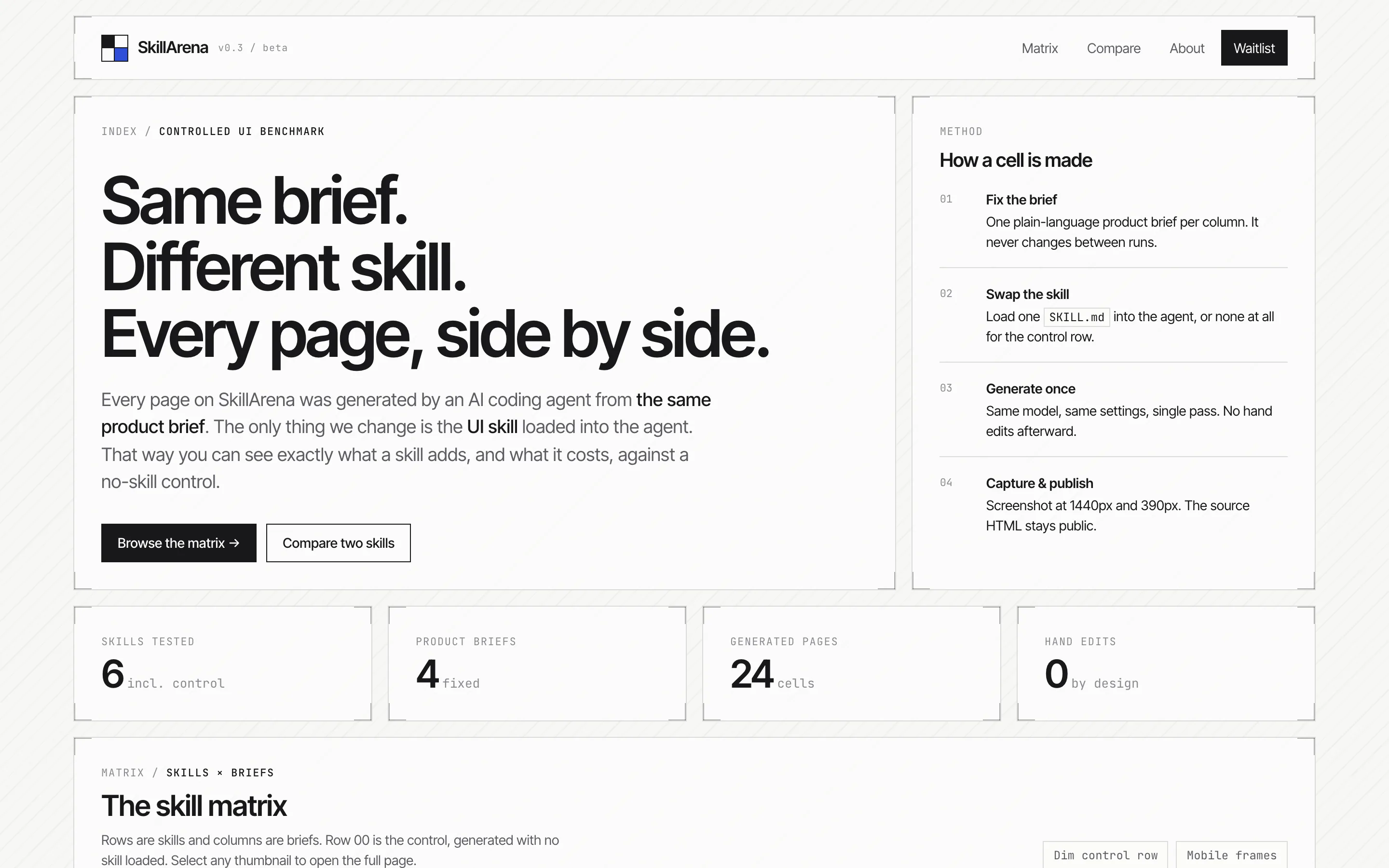
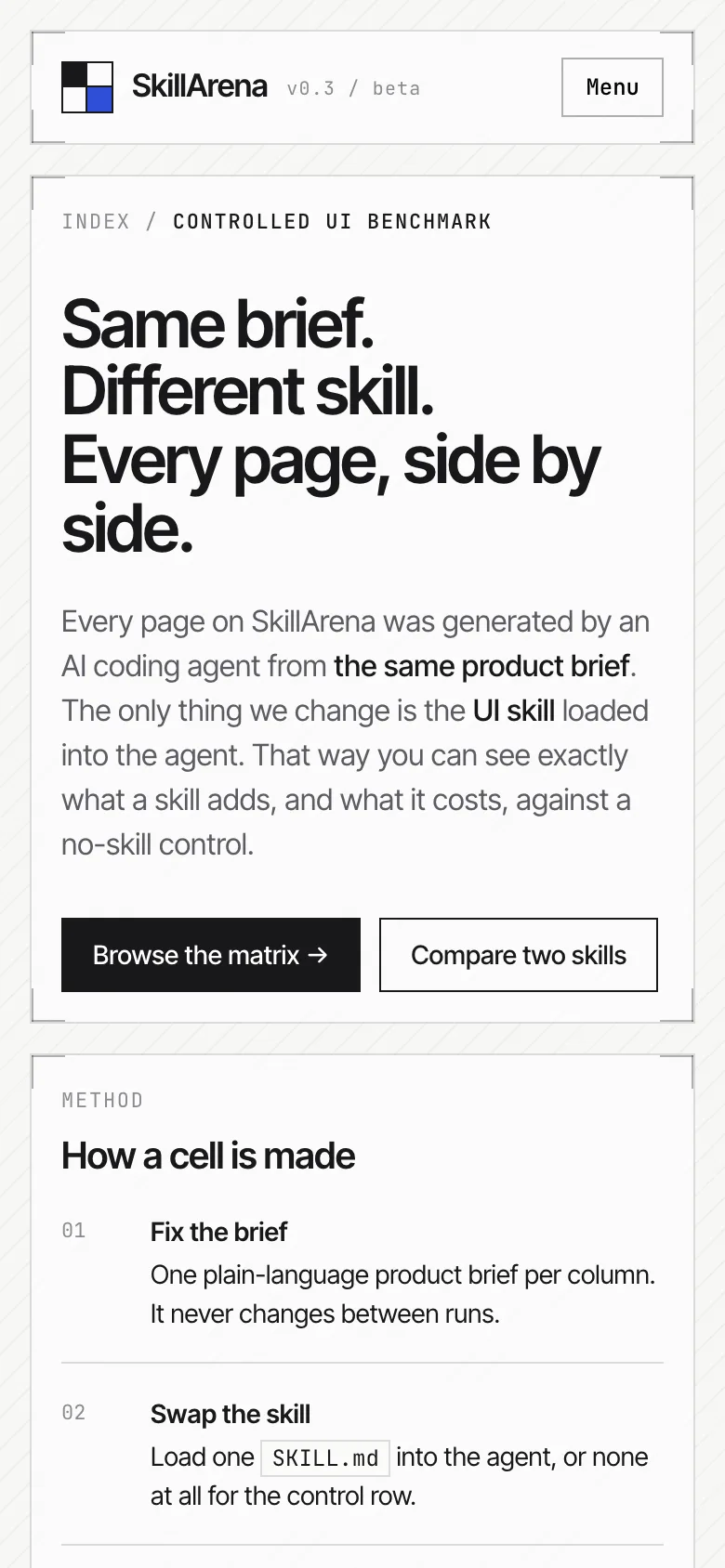
Framed Grid Layout
UI skill for Claude Code and other AI coding agents · MengTo/Skills@framed-grid-layout
Create minimal framed grid layouts with thin visible boundary lines, L-shaped corner brackets, subtle diagonal line texture, and strict section alignment. Use when asked for clean, neutral, precise, structured, editorial, technical, or guide-border web layouts.
These results were generated by SkillArena using this skill. They do not represent official output from the skill’s author.
- Author
 Meng To
- GitHub stars
- 7,322 on 2026-11-08
- Repository
- github.com/MengTo/Skills
- Tested source
- agent-skills/web-design/framed-grid-layout · SKILL.md
- Commit
- 5ea1661
- License
- MIT
- Model
- claude-opus-5-5
- Generated
- 2026-11-08
SaaS landing page: no skill vs Framed Grid Layout
Compare side by side →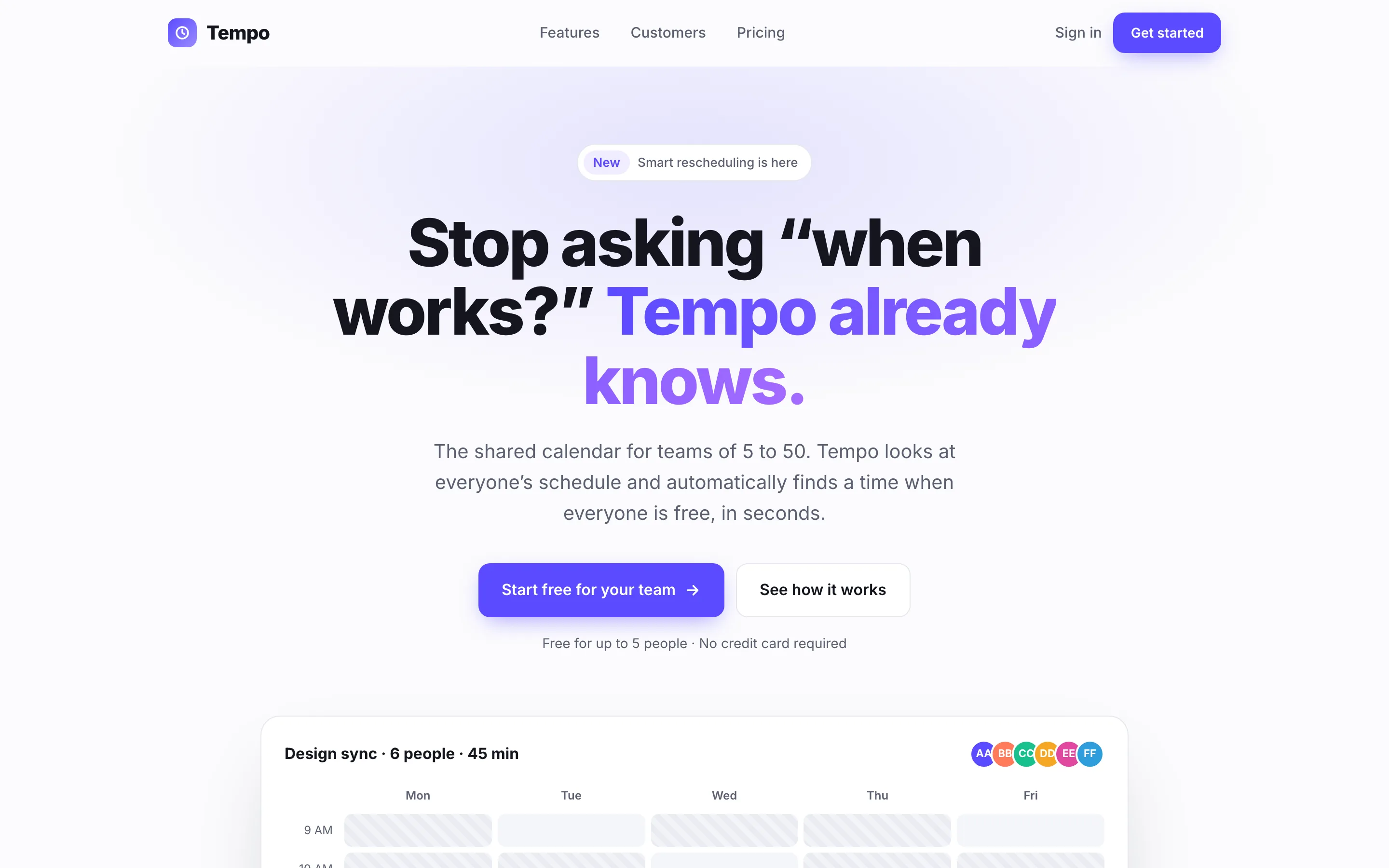
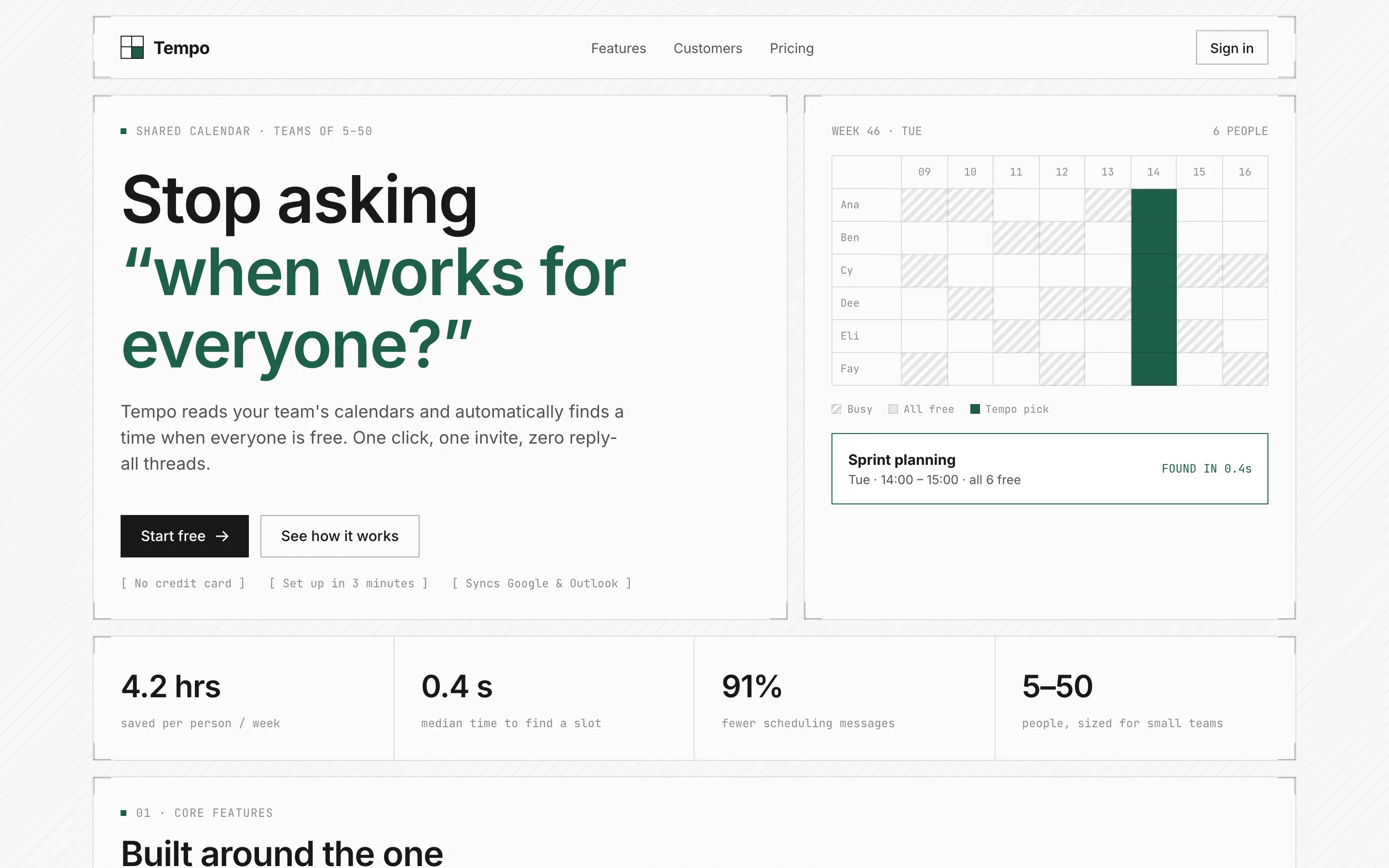
Run 1 of 3, same brief and model. All 15 pages from this skill ↓
Install
Tested version (recommended)
tmp=$(mktemp -d)
git clone --filter=blob:none --no-checkout https://github.com/MengTo/Skills "$tmp"
git -C "$tmp" checkout 5ea1661a0e05d82b054553daaa6baf6d0233c33c -- agent-skills/web-design/framed-grid-layout
mkdir -p ~/.claude/skills
cp -R "$tmp/agent-skills/web-design/framed-grid-layout" ~/.claude/skills/framed-grid-layout
rm -rf "$tmp"
Copies the skill folder at commit 5ea1661 — the exact files used for the results on this page — into ~/.claude/skills/framed-grid-layout. For a single project, use .claude/skills/ inside it instead.
skills.sh CLI (latest, untested)
npx skills add MengTo/Skills --skill framed-grid-layoutThe methods from the author install the latest version, which may differ from the commit tested here. Skills run with your coding agent’s permissions; review a skill before installing it.
Badge for your README
Is this your skill? Link people to these results. 
[](https://skillarena.dev/skill/mengto-framed-grid-layout/?ref=badge)SaaS landing page
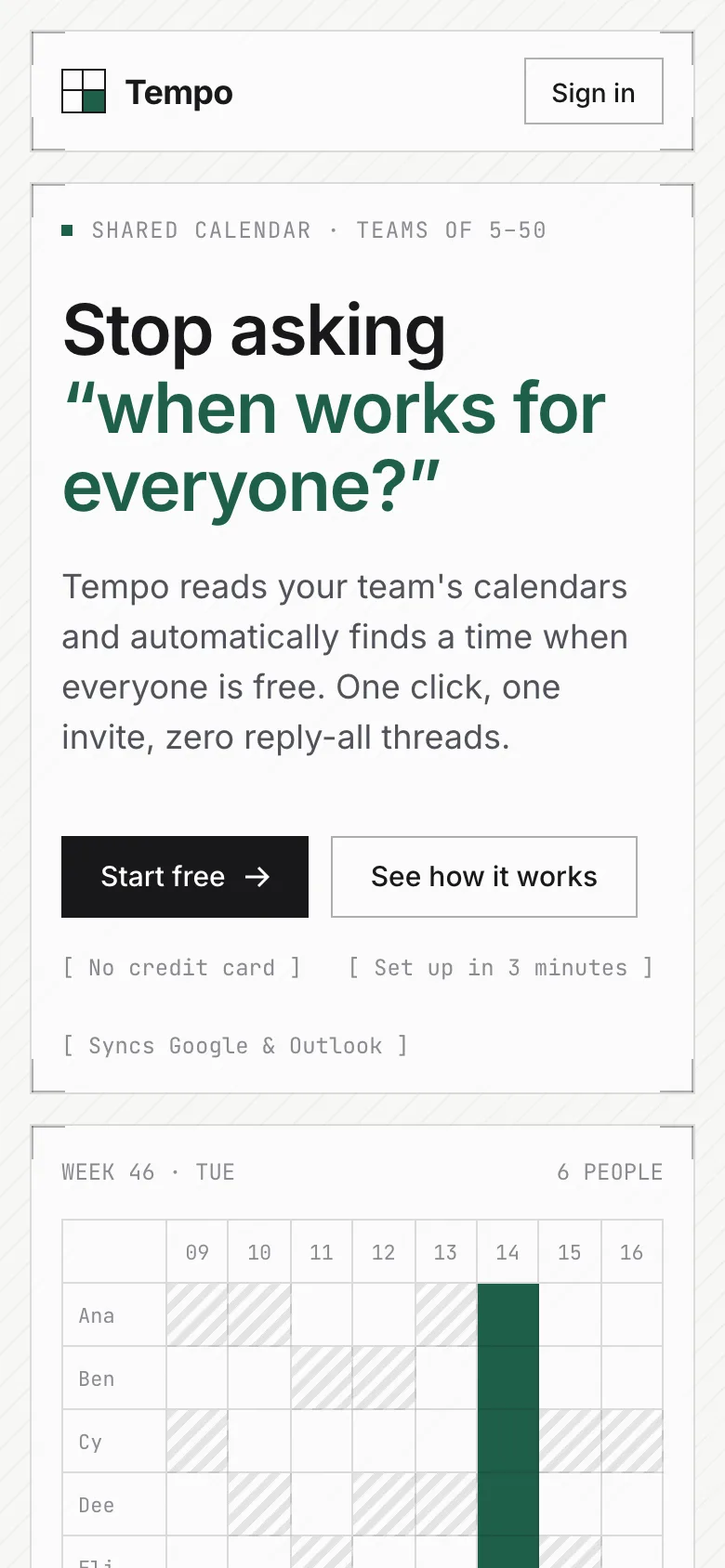
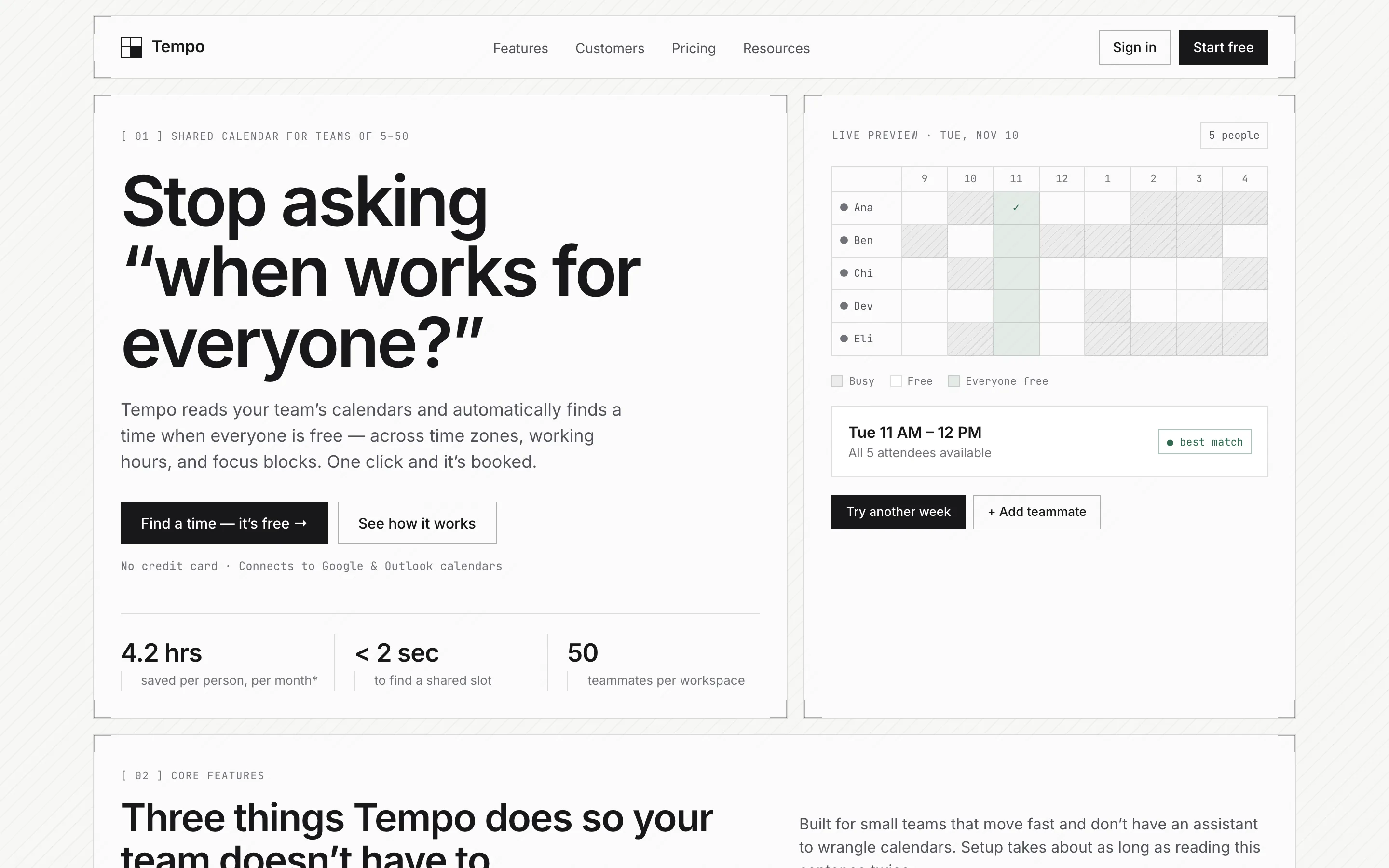
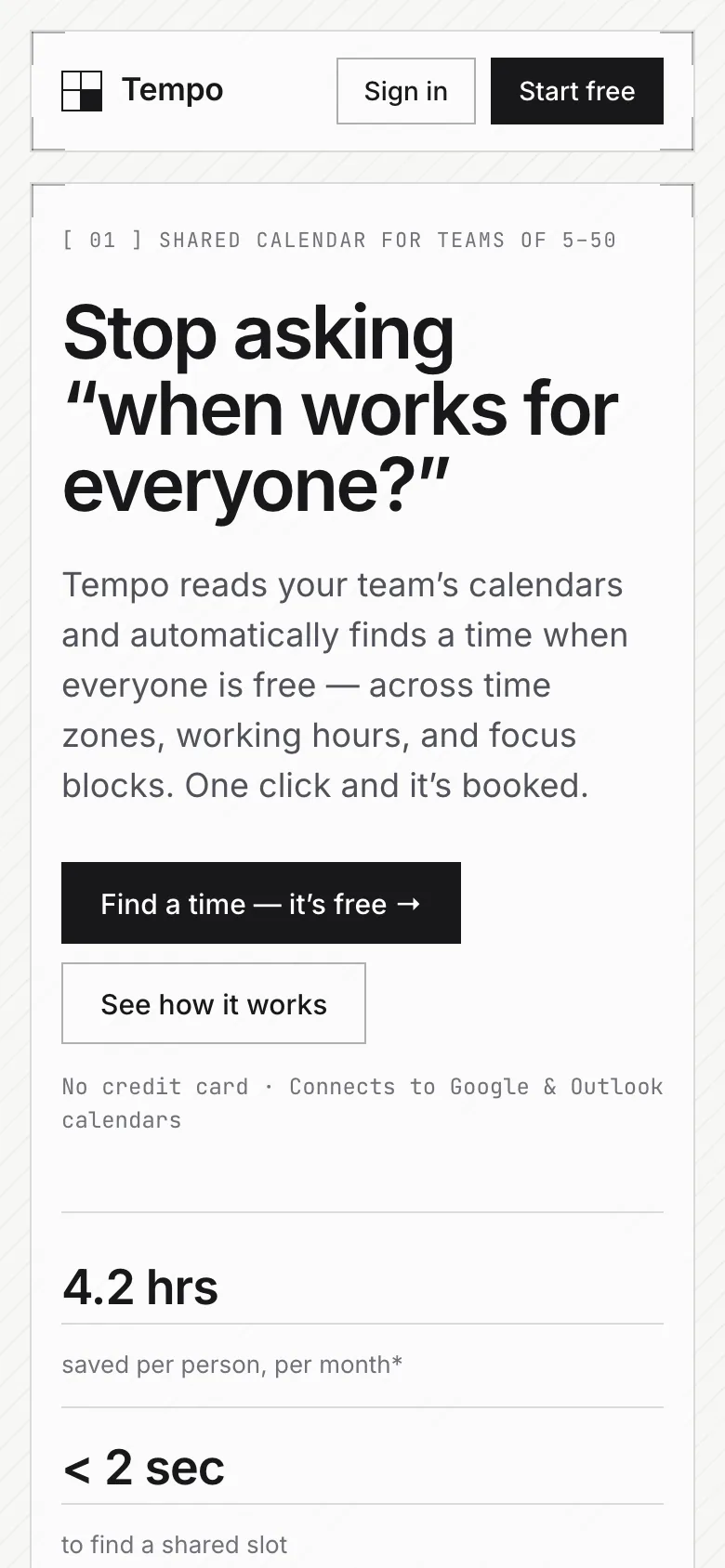
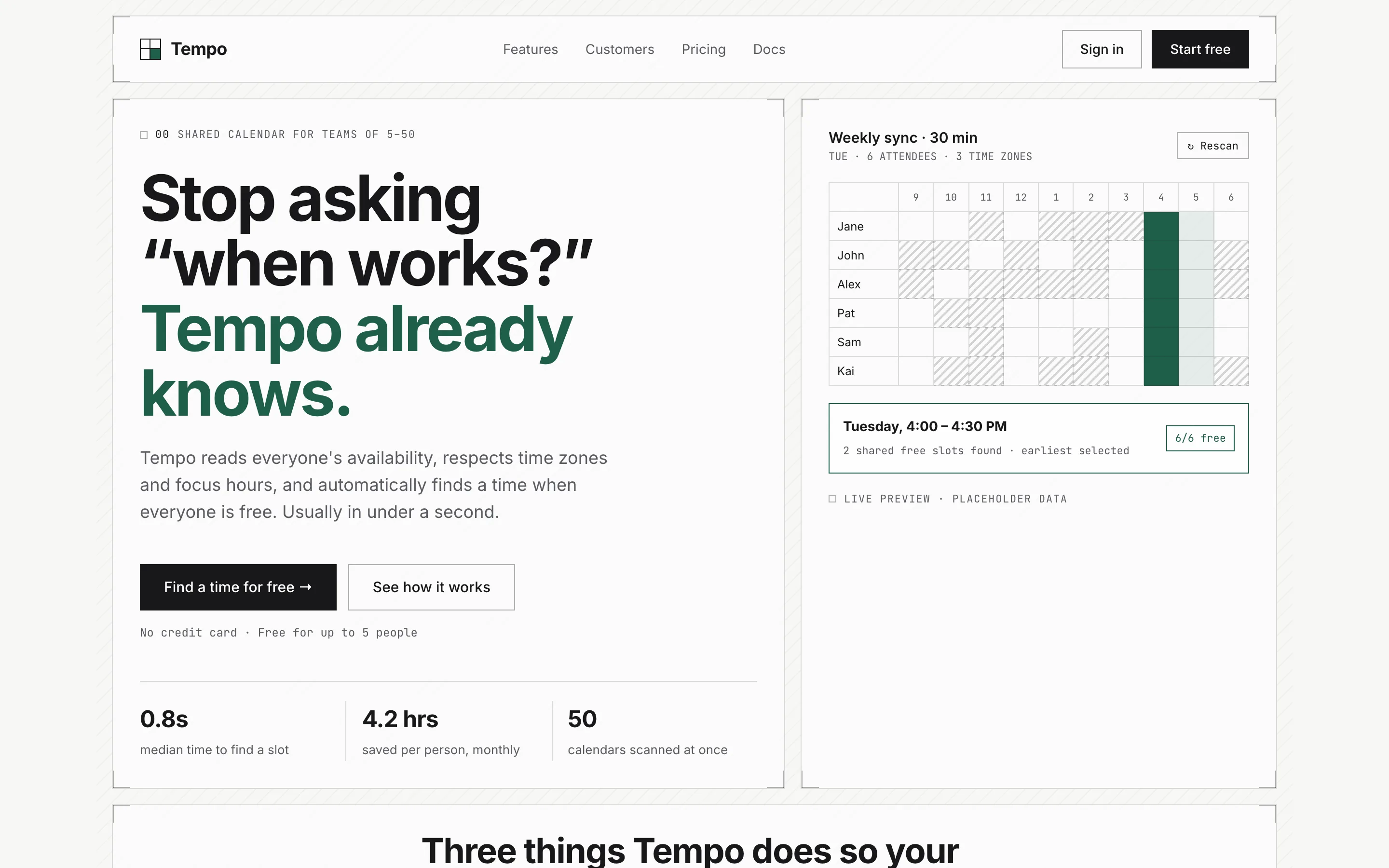
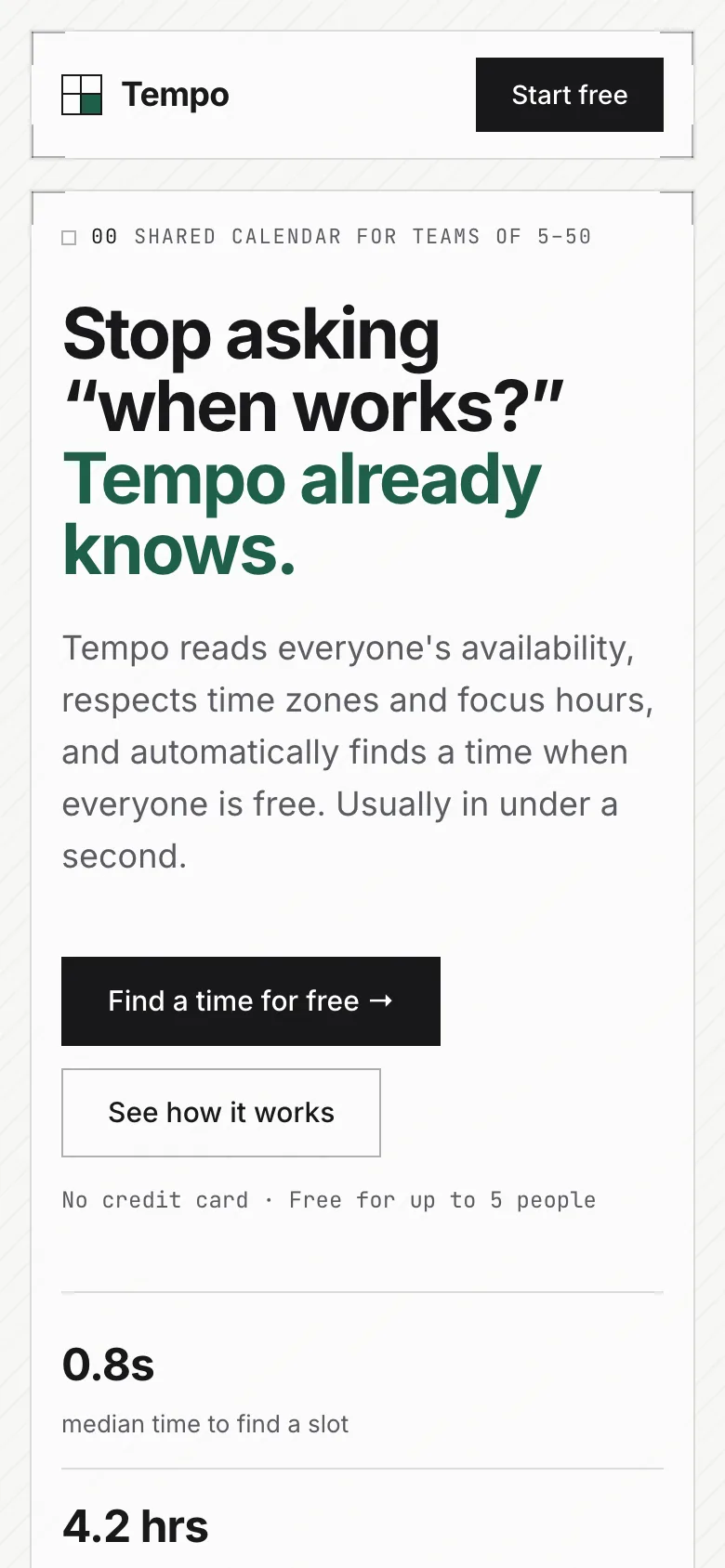
Compare with baselineBrief · sent to the model word for wordTempo is a shared calendar tool for small teams of 5 to 50 people. Its main selling point is "automatically finds a time when everyone is free." Build a marketing landing page: a hero with a headline and a primary button, three core features, a testimonials section (using names that are obviously placeholders), a three-tier pricing table (Free / $9 / $19 per person per month), and a footer.
Analytics dashboard
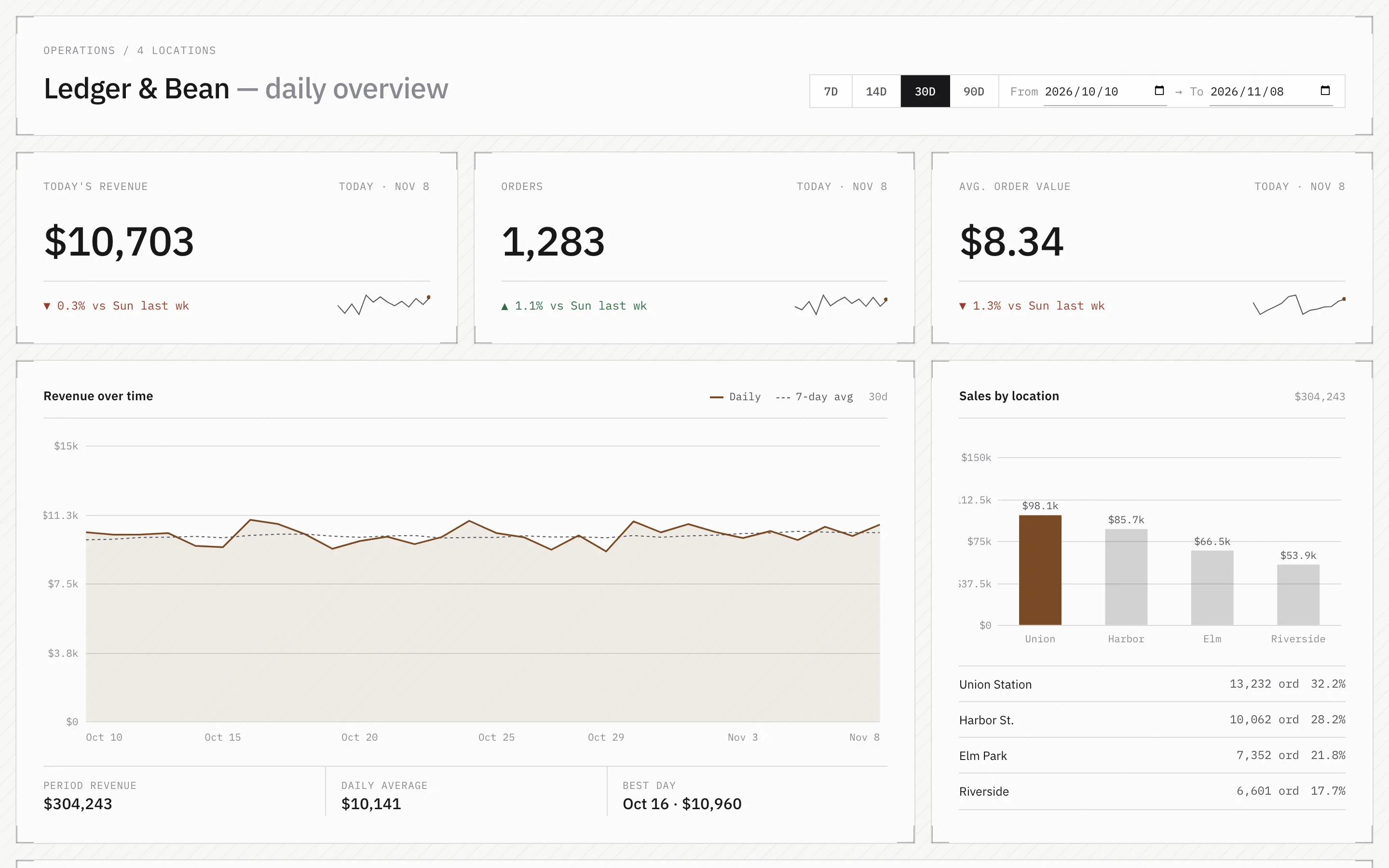
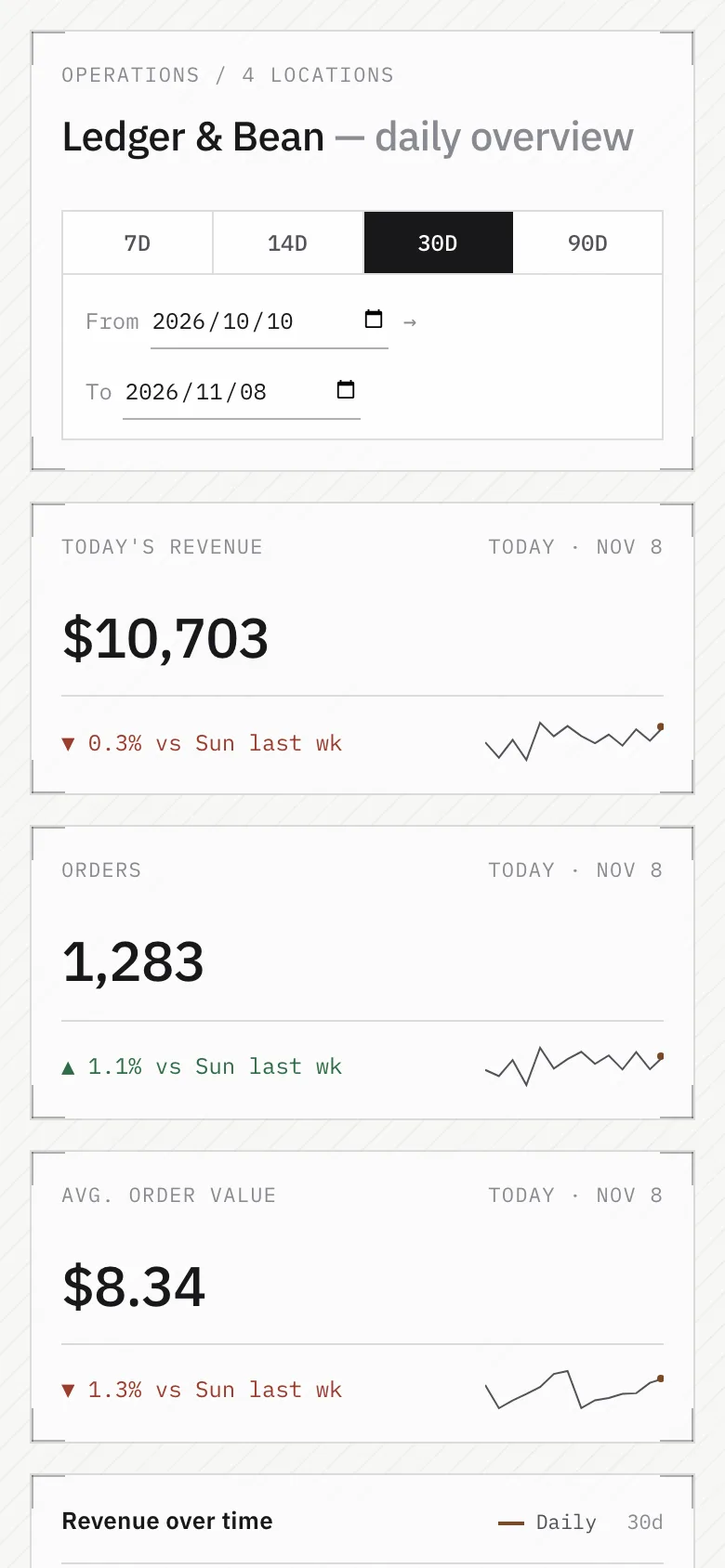
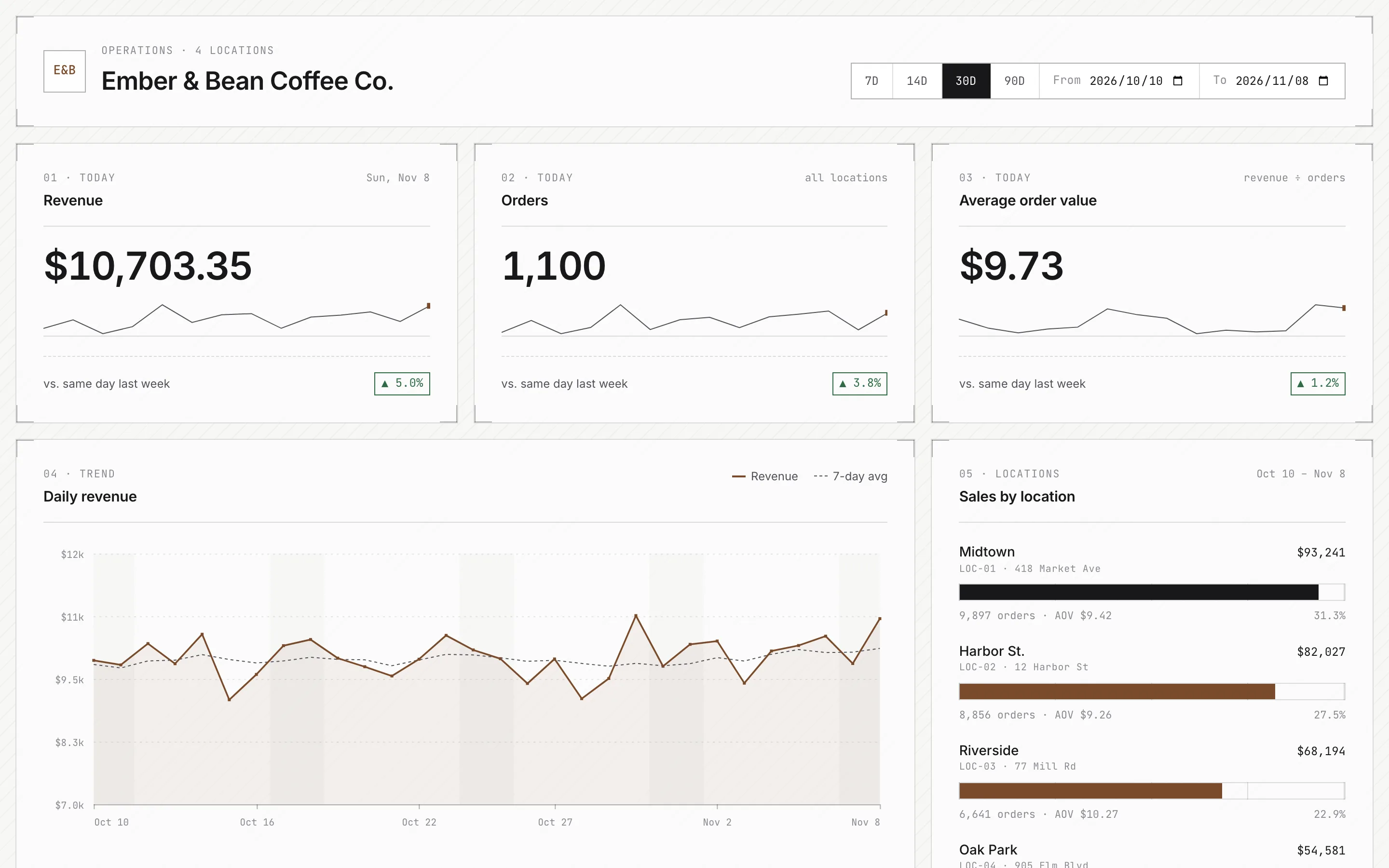
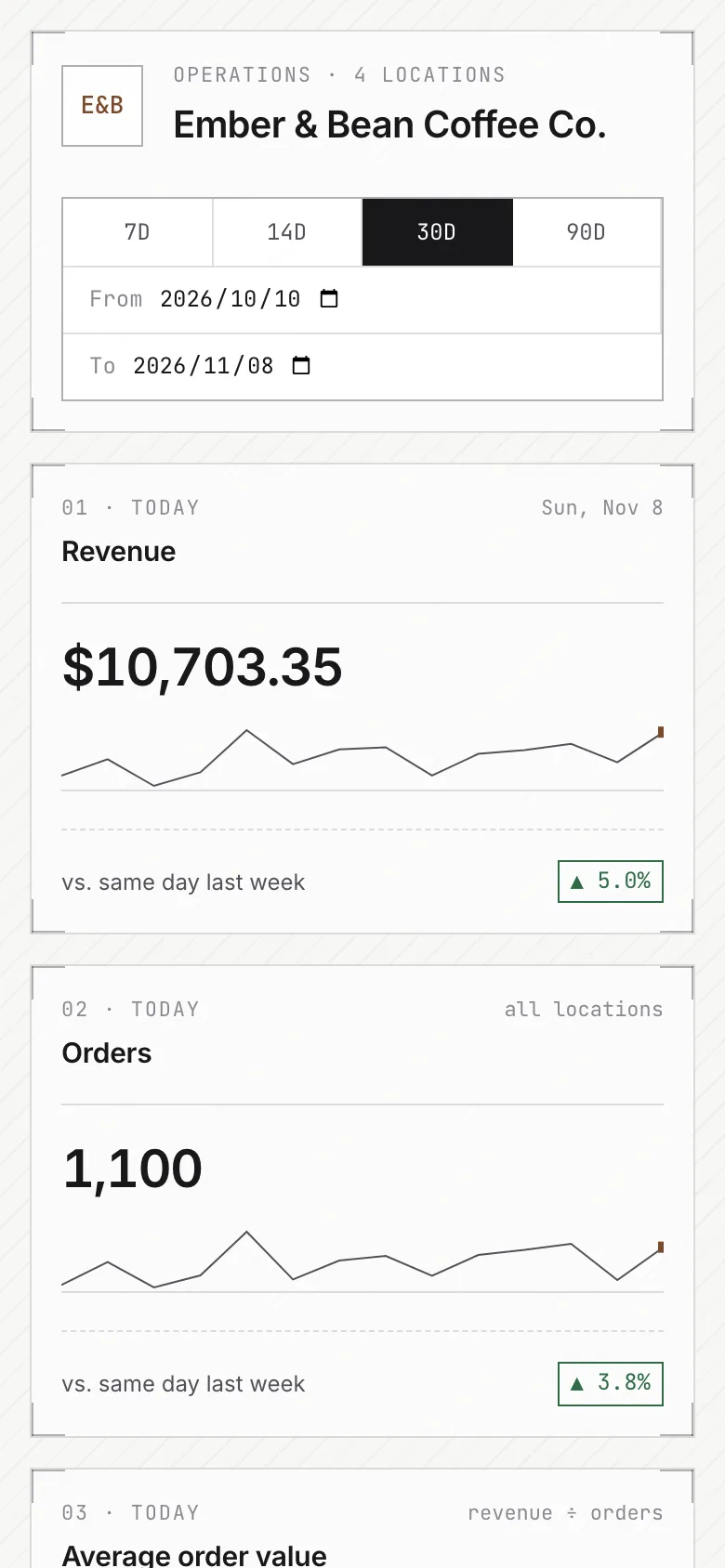
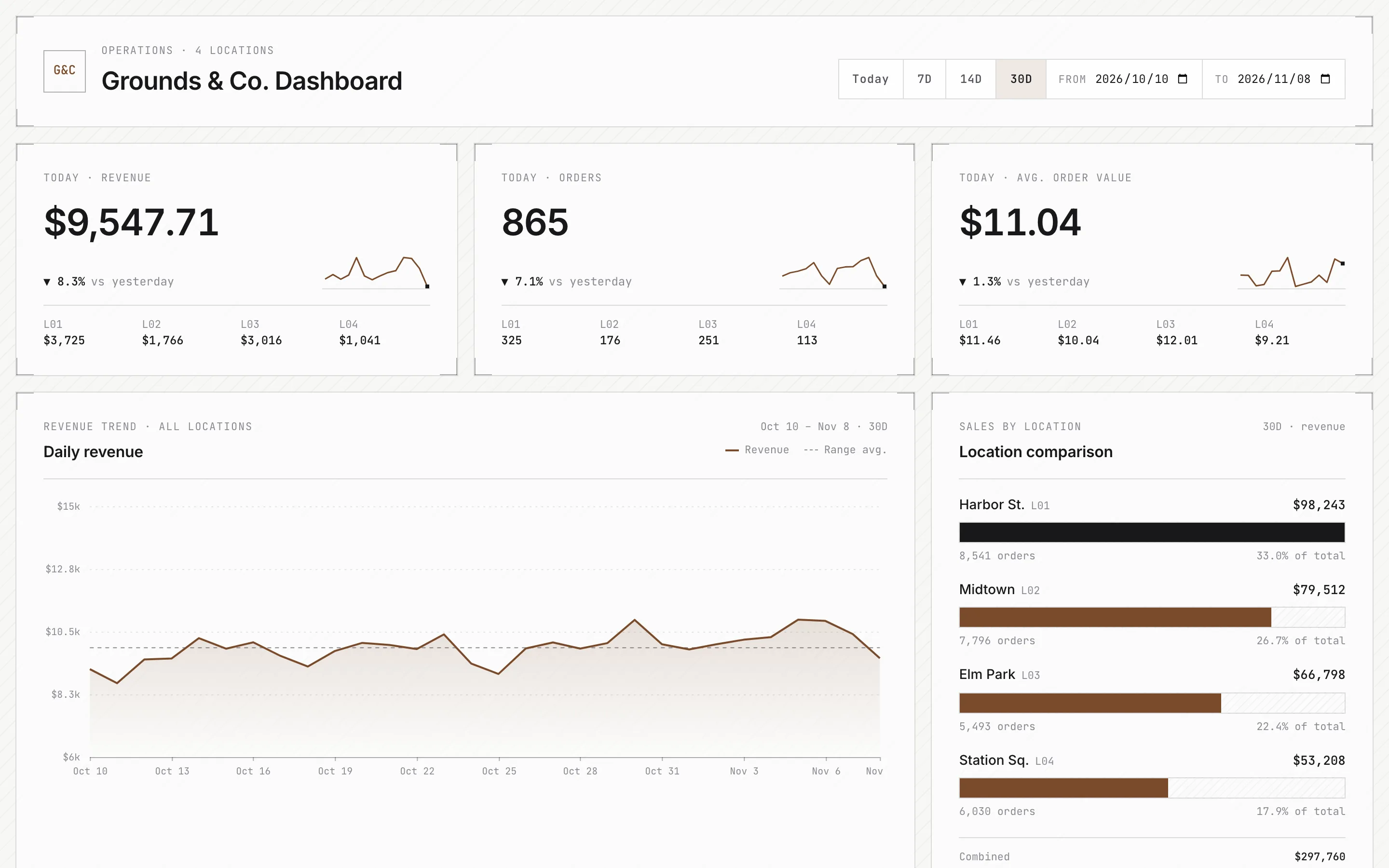
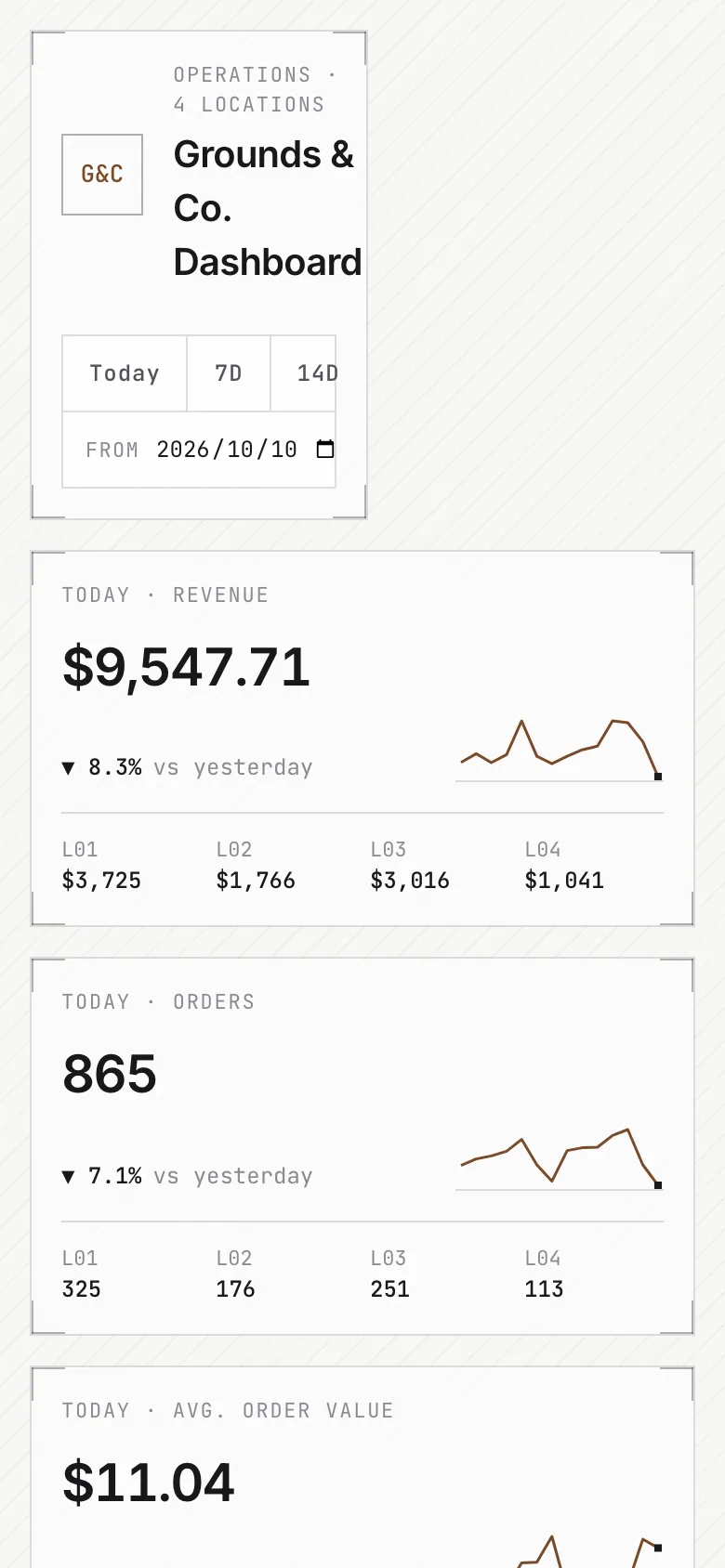
Compare with baselineBrief · sent to the model word for wordAn operations dashboard for the owner of a coffee chain with 4 locations. Show three metric cards: today's revenue, number of orders, and average order value; a line chart of revenue over the last 30 days; a bar chart comparing sales across locations; a table of the top 5 best-selling items; and a date range picker. Use hard-coded sample data.
Mobile app
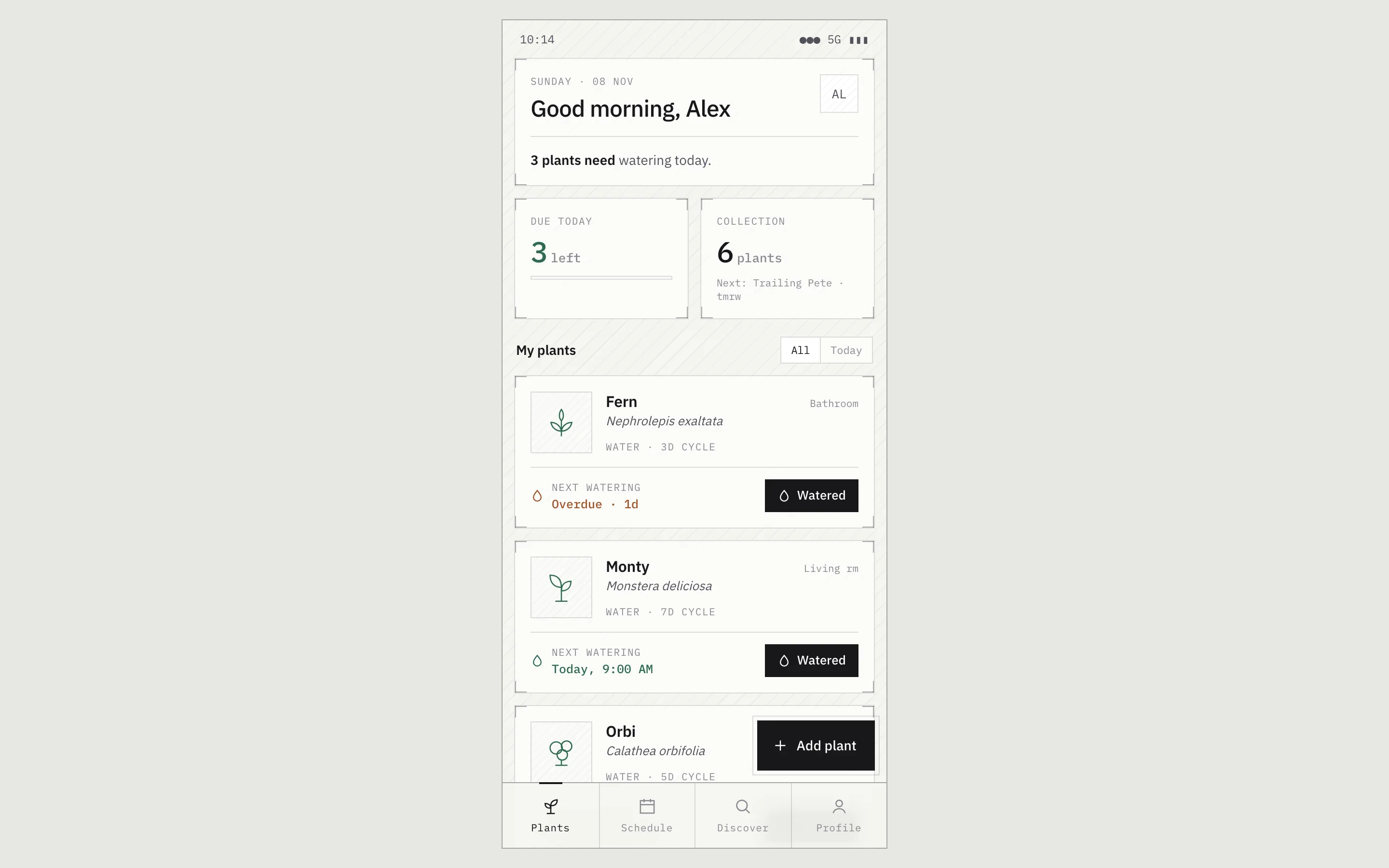
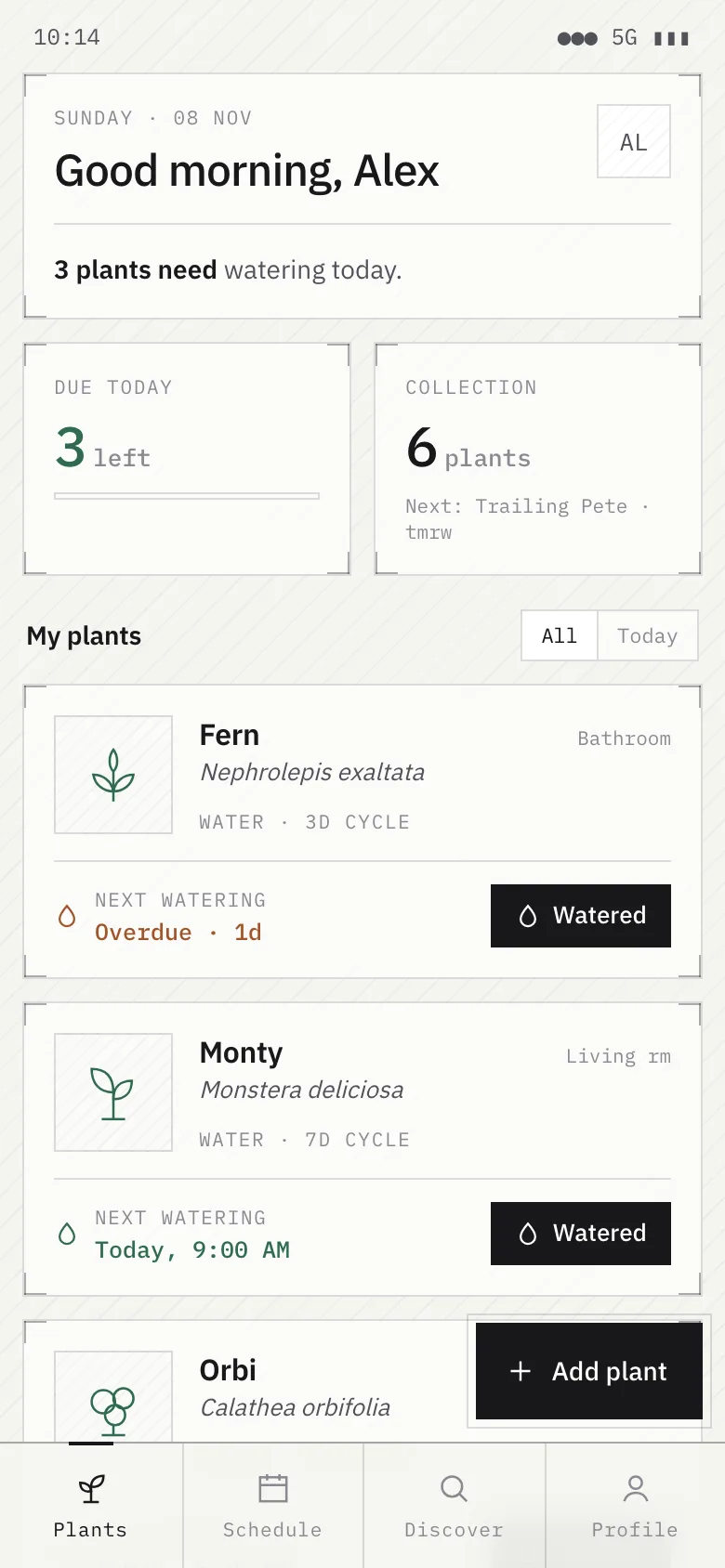
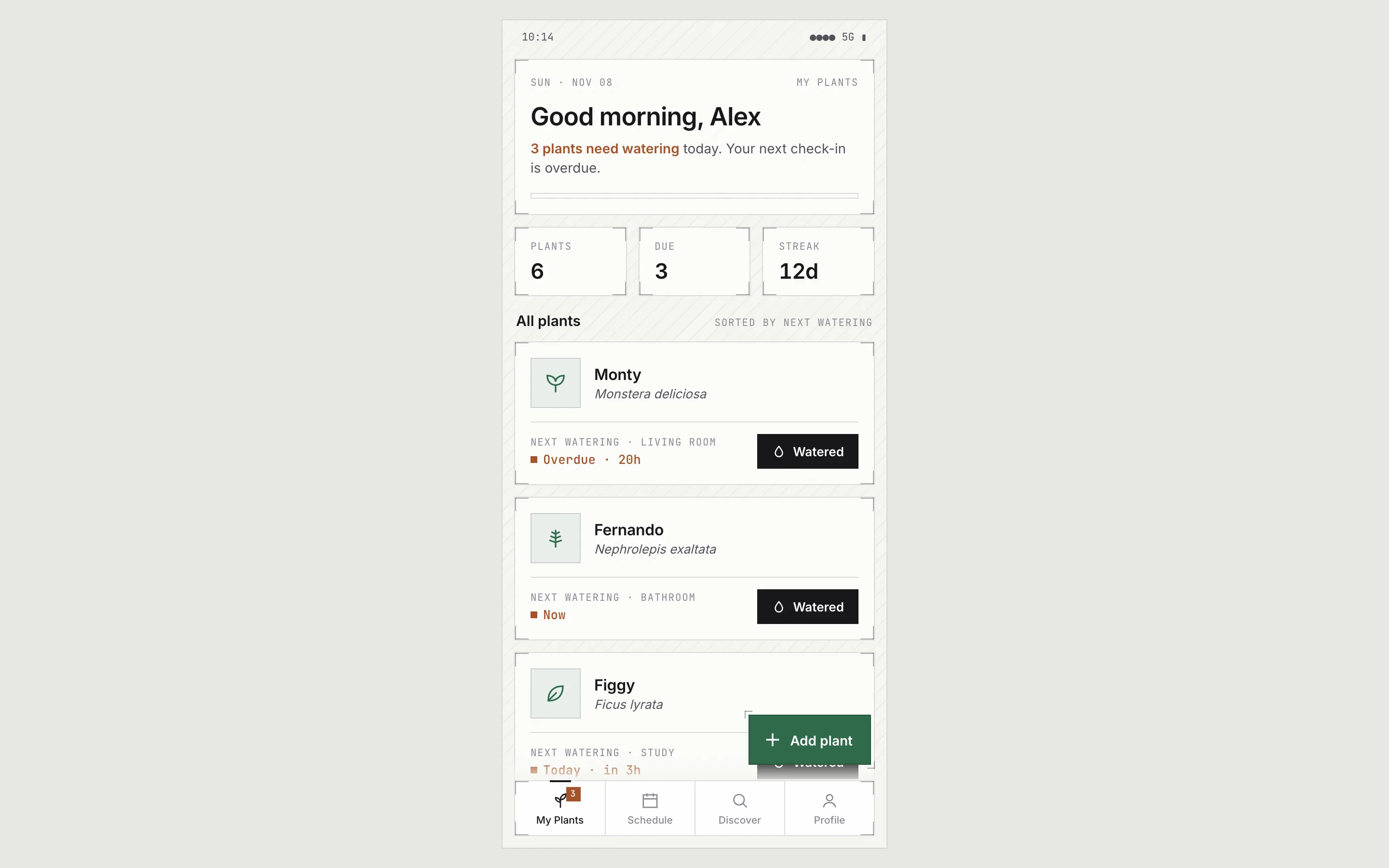
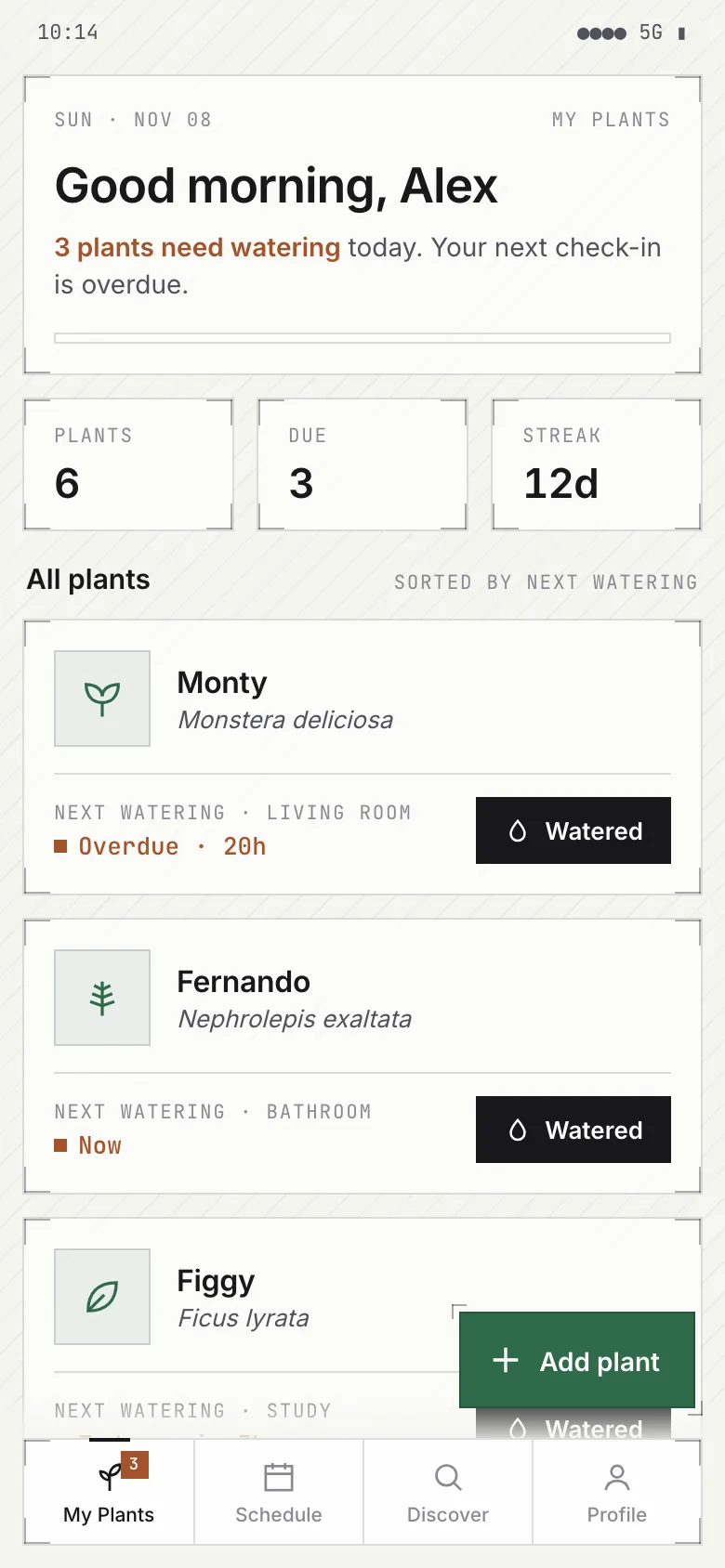
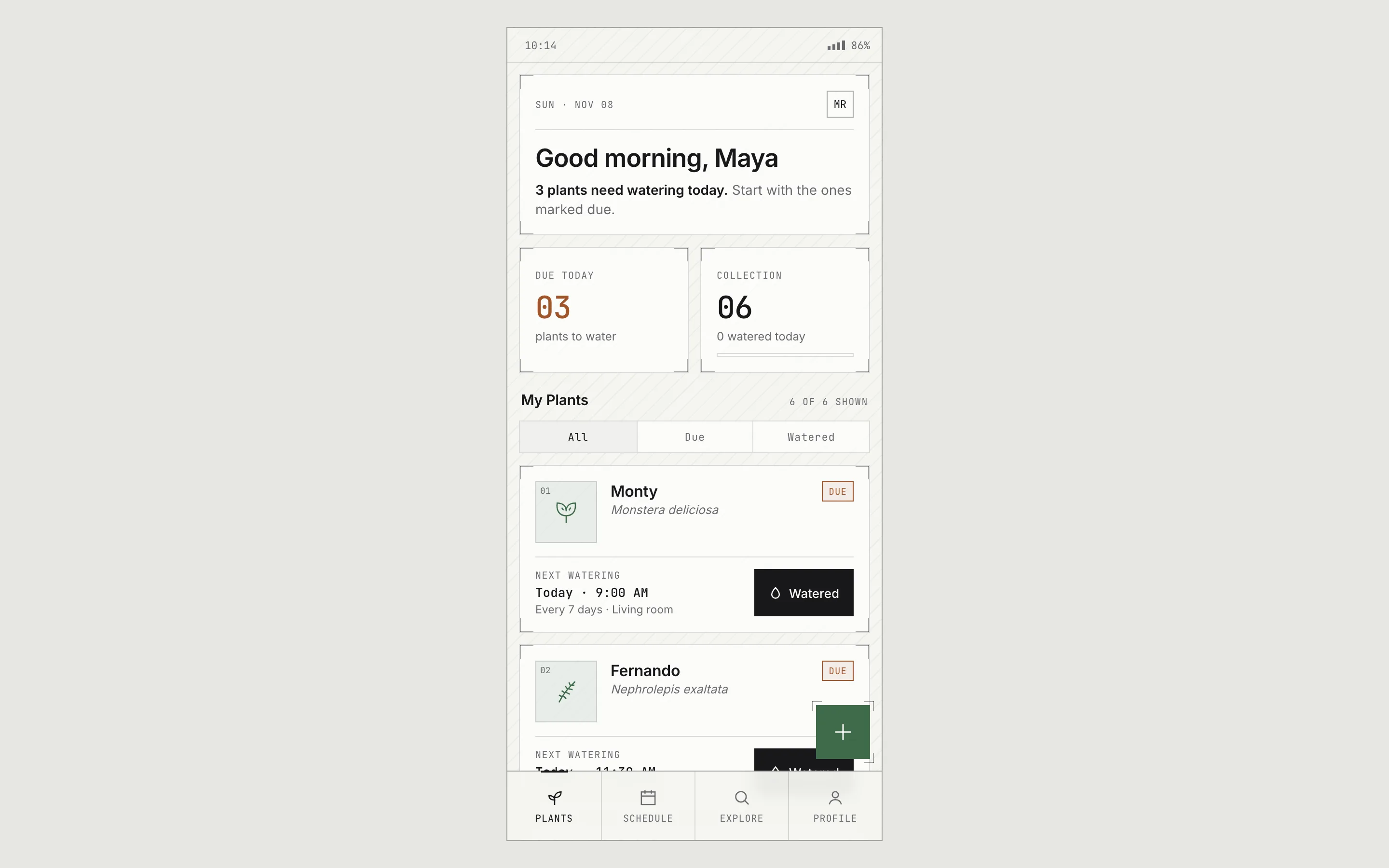
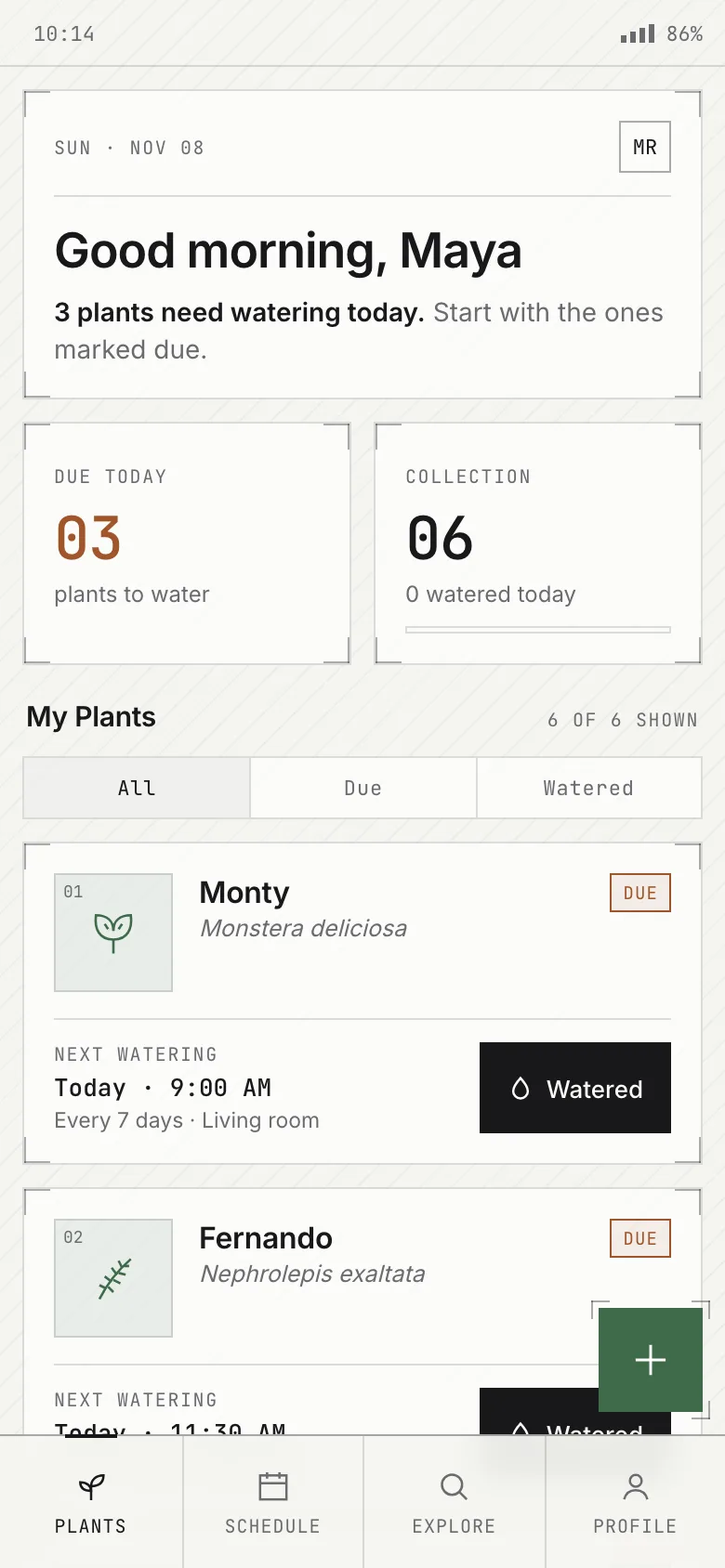
Compare with baselineBrief · sent to the model word for wordThe "My Plants" home screen of a plant care app, designed for a phone screen. At the top, a greeting and how many plants need watering today; a list of plant cards, each with the plant's name, species, next watering time, and a "Watered" button; a bottom navigation bar with 4 tabs; and an "Add plant" floating action button in the bottom-right corner.
Sign-up form
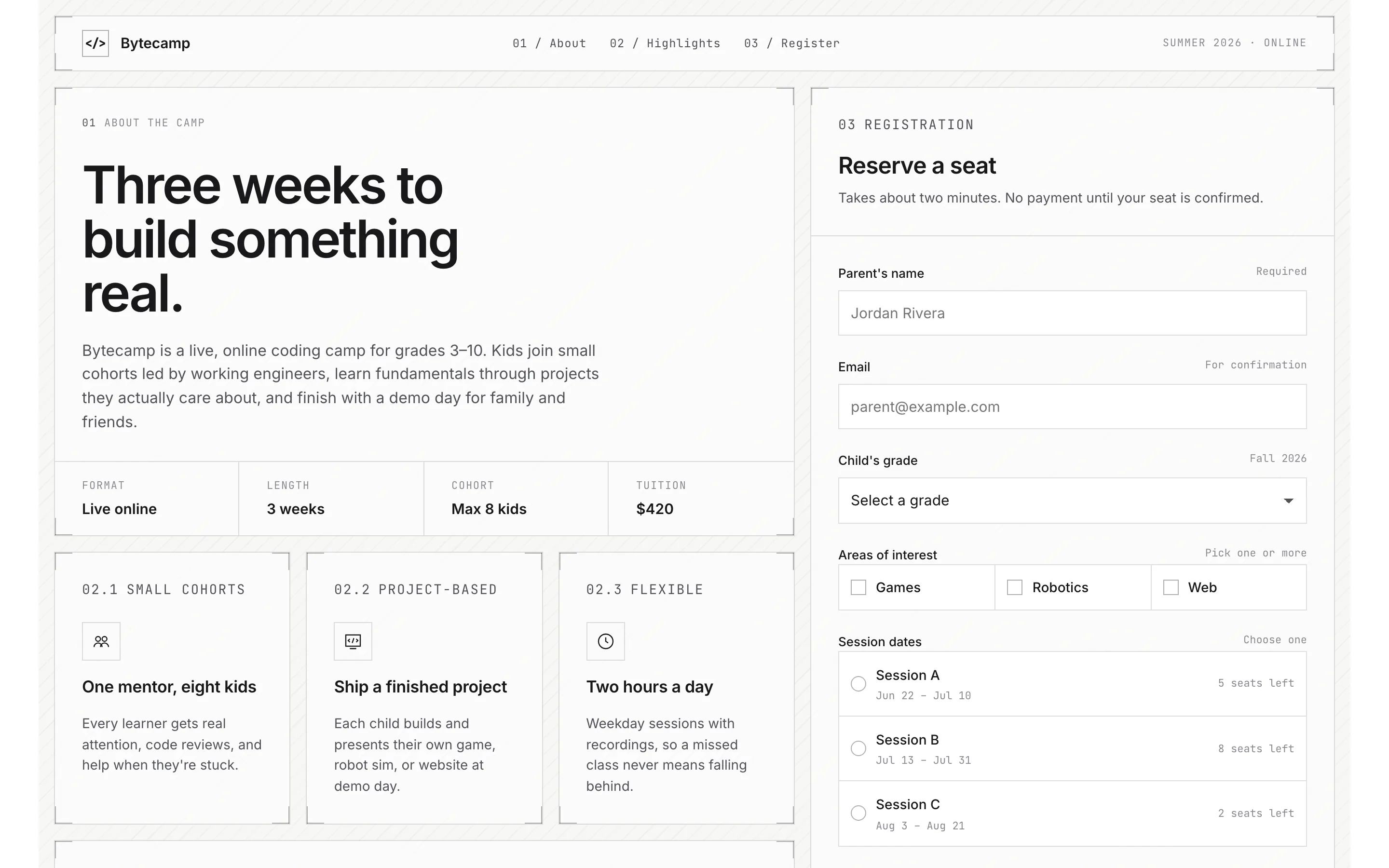
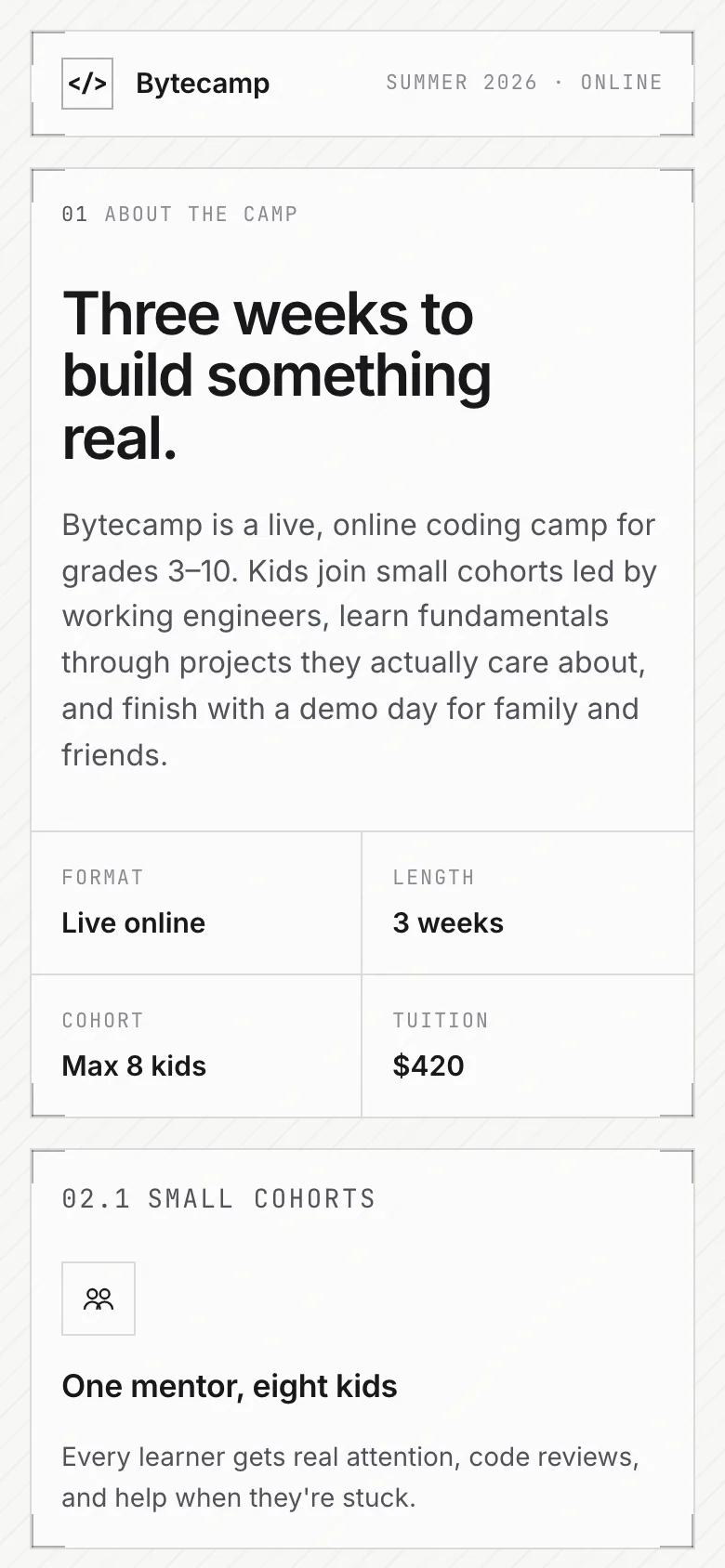
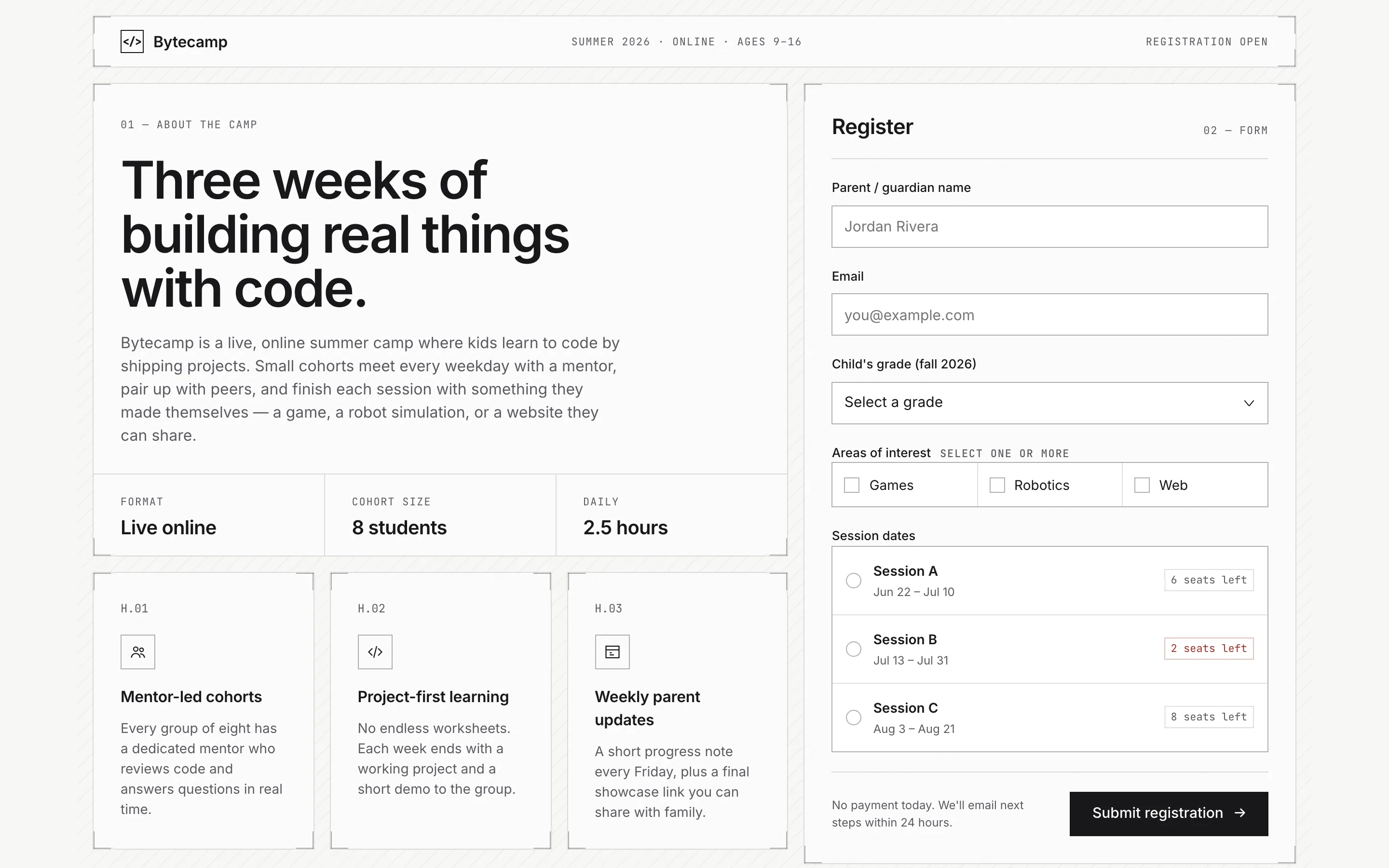
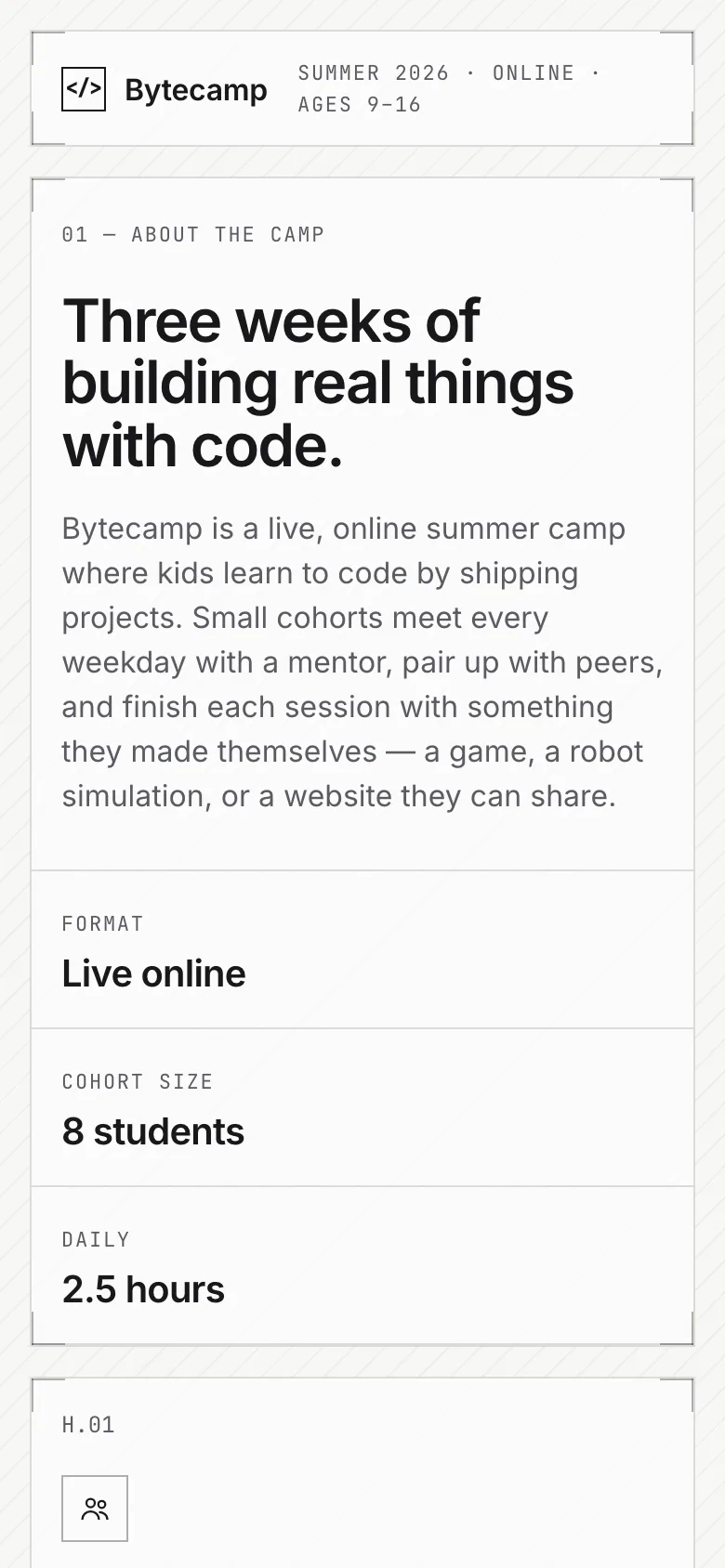
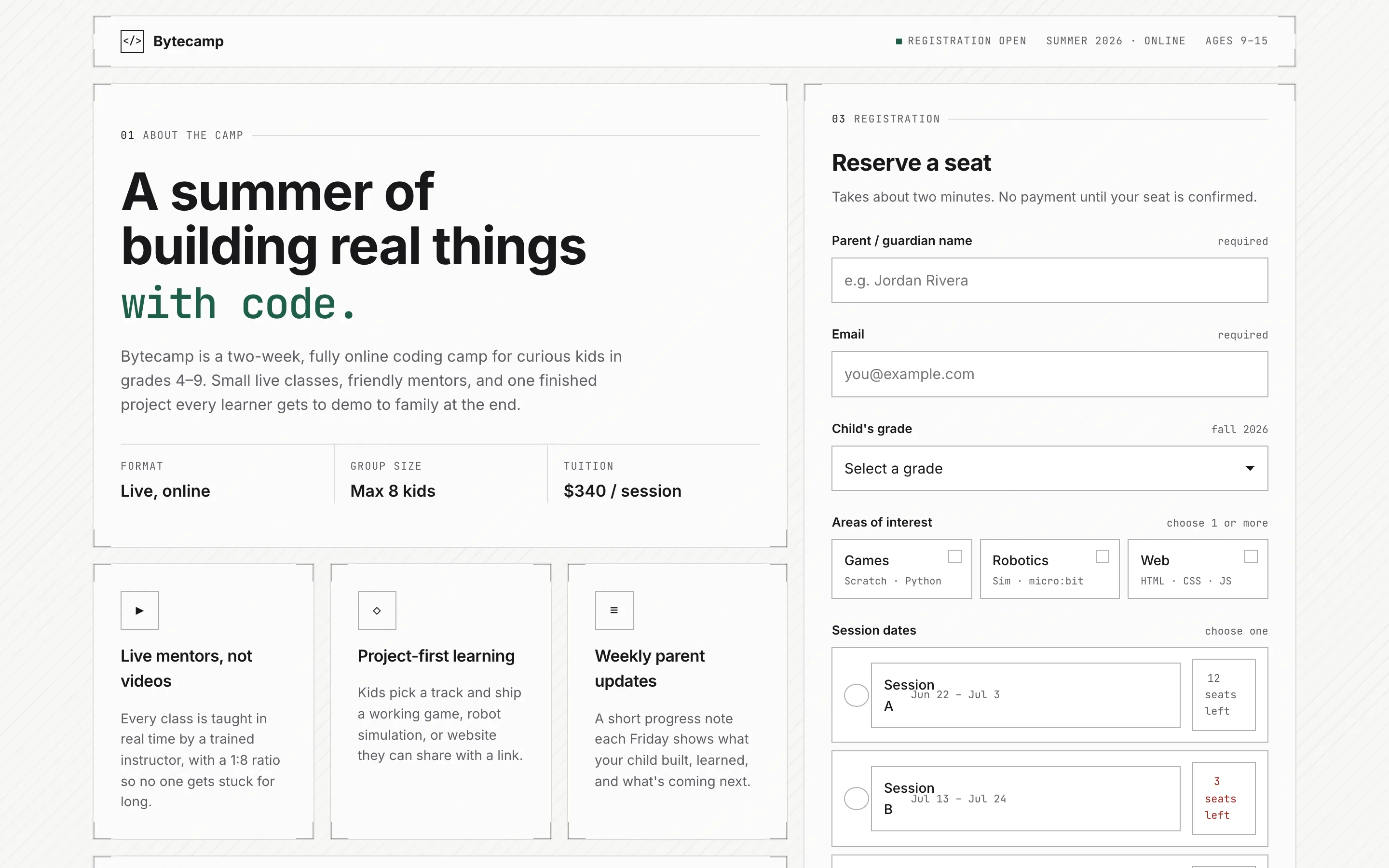
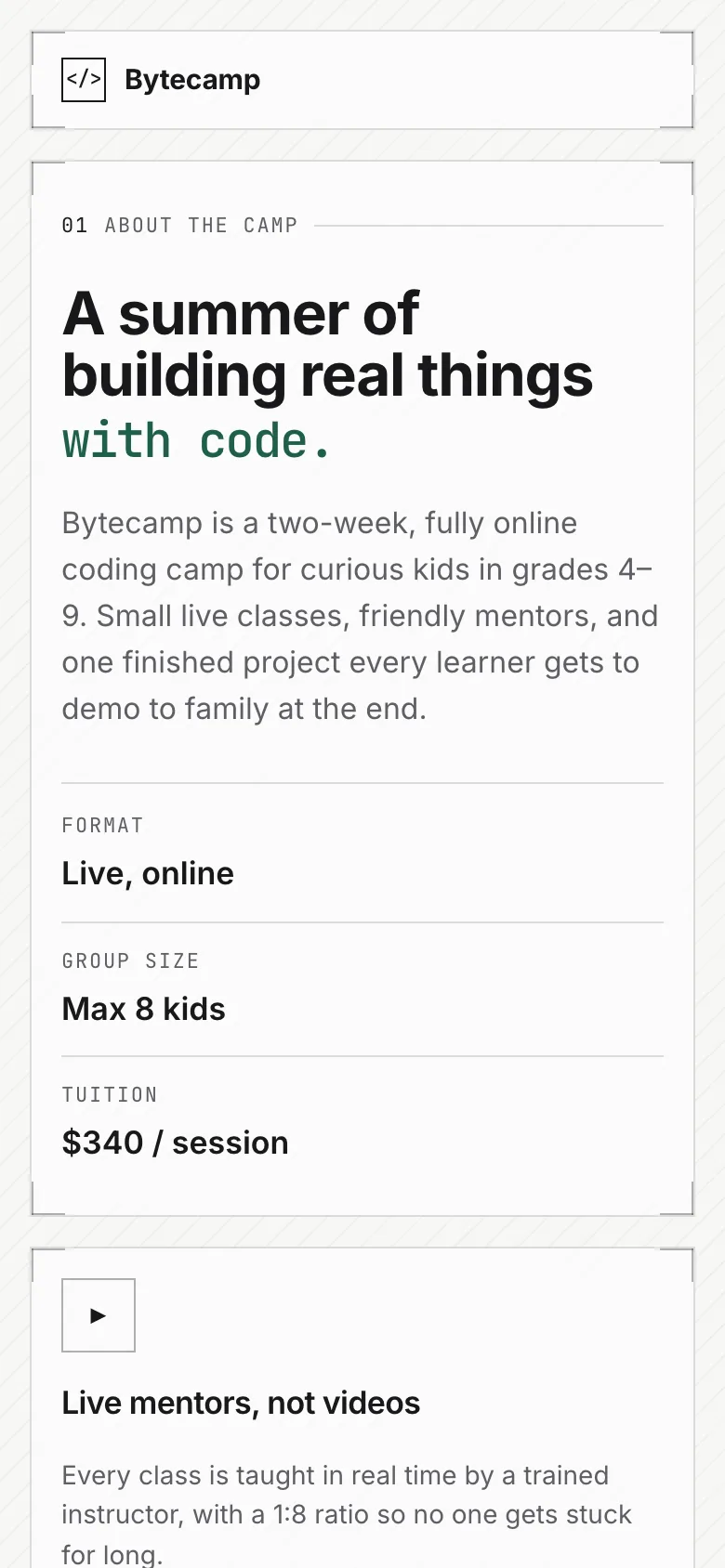
Compare with baselineBrief · sent to the model word for wordA registration page for an online coding summer camp. On the left, an introduction to the camp and three highlights; on the right, a registration form: parent's name, email, child's grade (dropdown), areas of interest (multiple choice: games, robotics, web), session dates (single choice from three sessions), and a submit button. Include form validation messages and a success state after submitting.
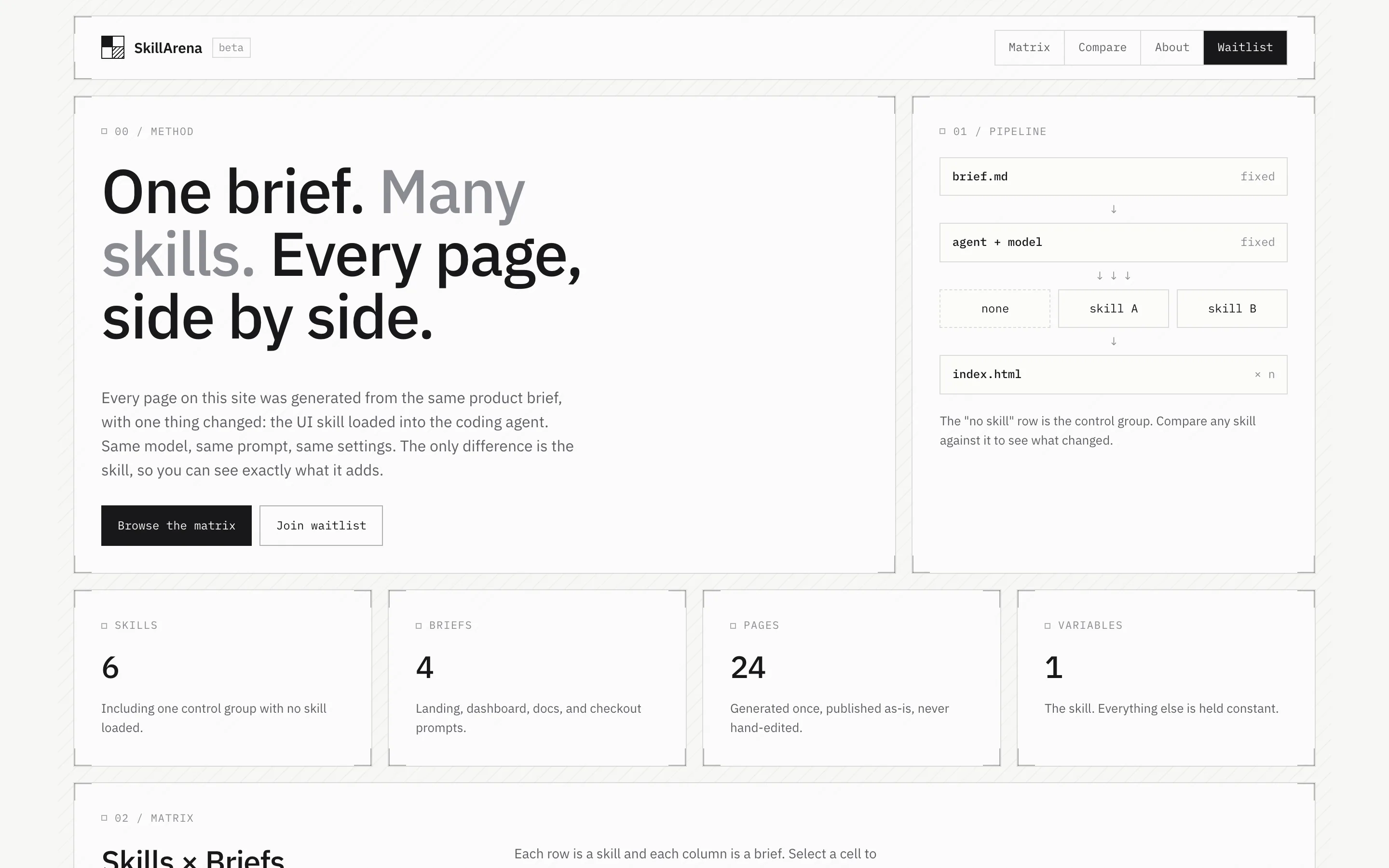
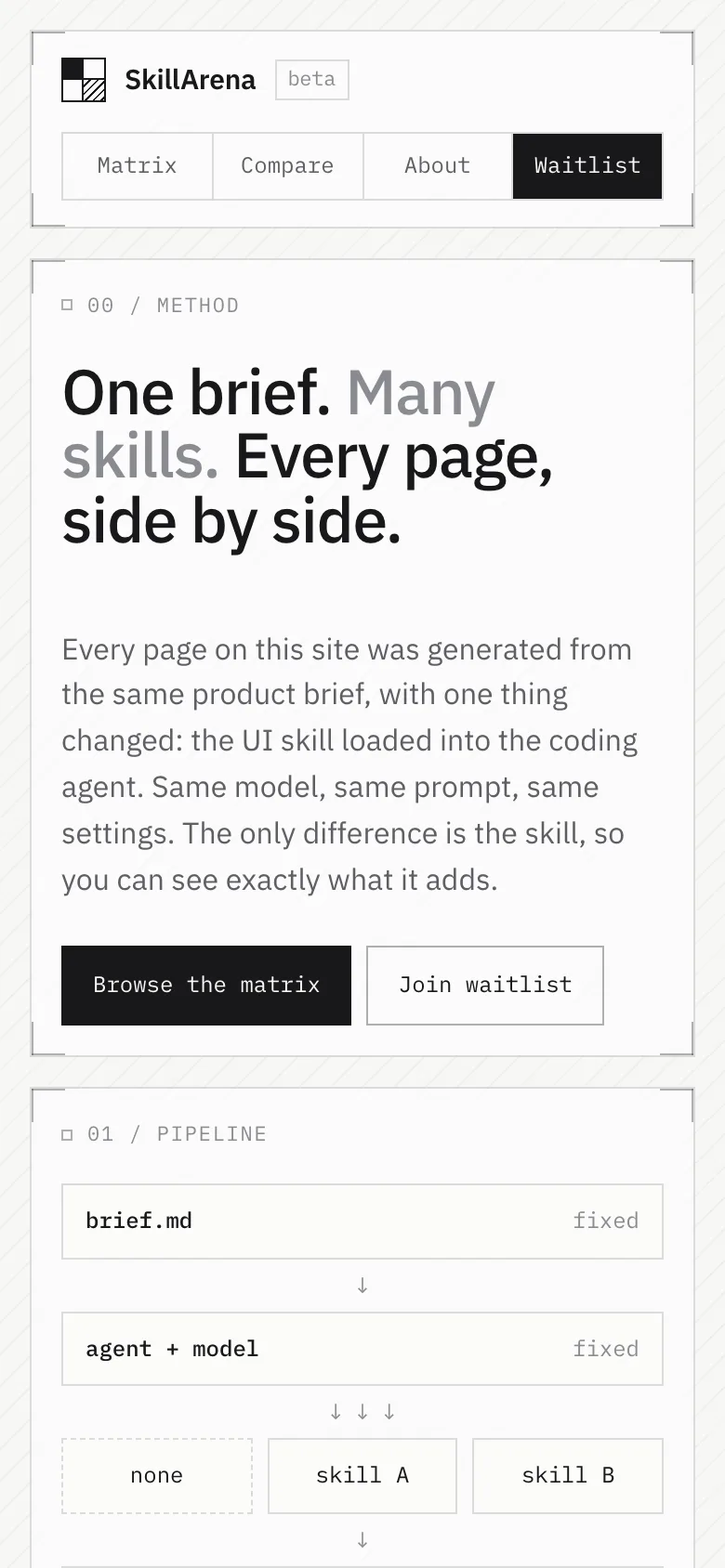
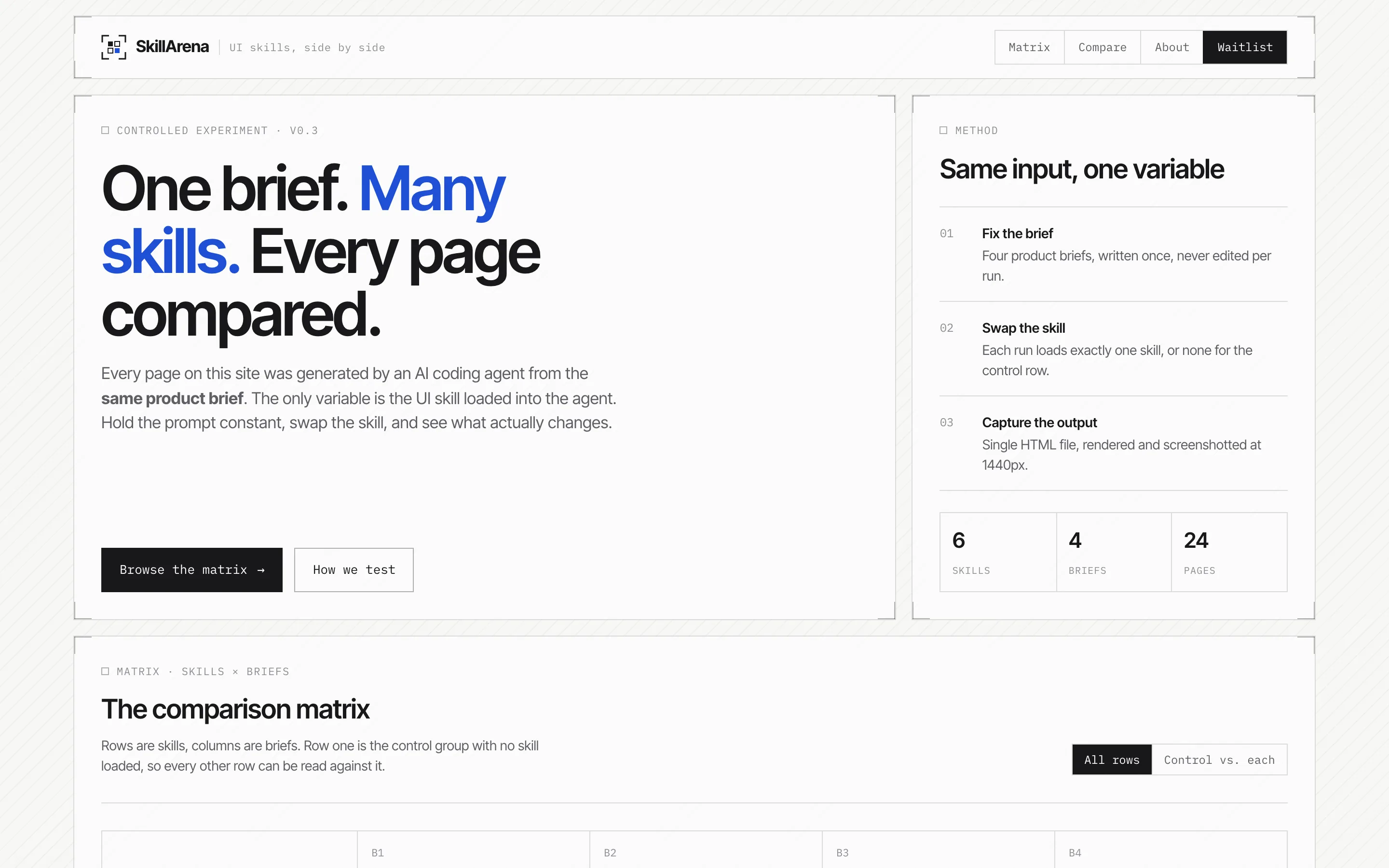
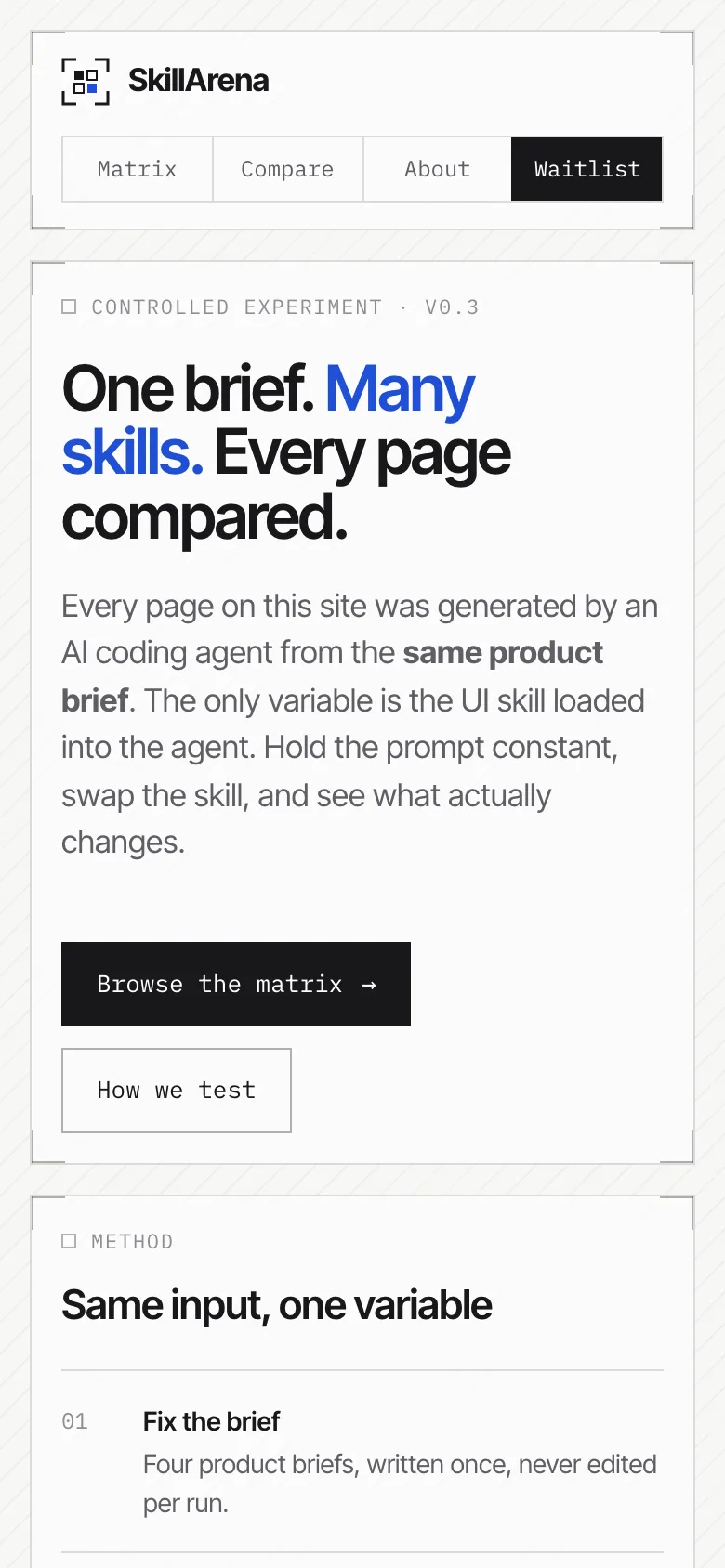
SkillArena itself
Compare with baselineBrief · sent to the model word for wordSkillArena is a website that compares UI skills for AI coding agents. Build its home page: a header with the logo and navigation (Matrix, Compare, About, Waitlist); a hero that explains that every page on the site was generated from the same product brief with a different skill; a matrix where rows are skills (the first row is a "no skill" control group) and columns are four briefs, each cell showing a screenshot thumbnail (use placeholder boxes); and a waitlist form with email and a role choice. Use placeholder skill names.